
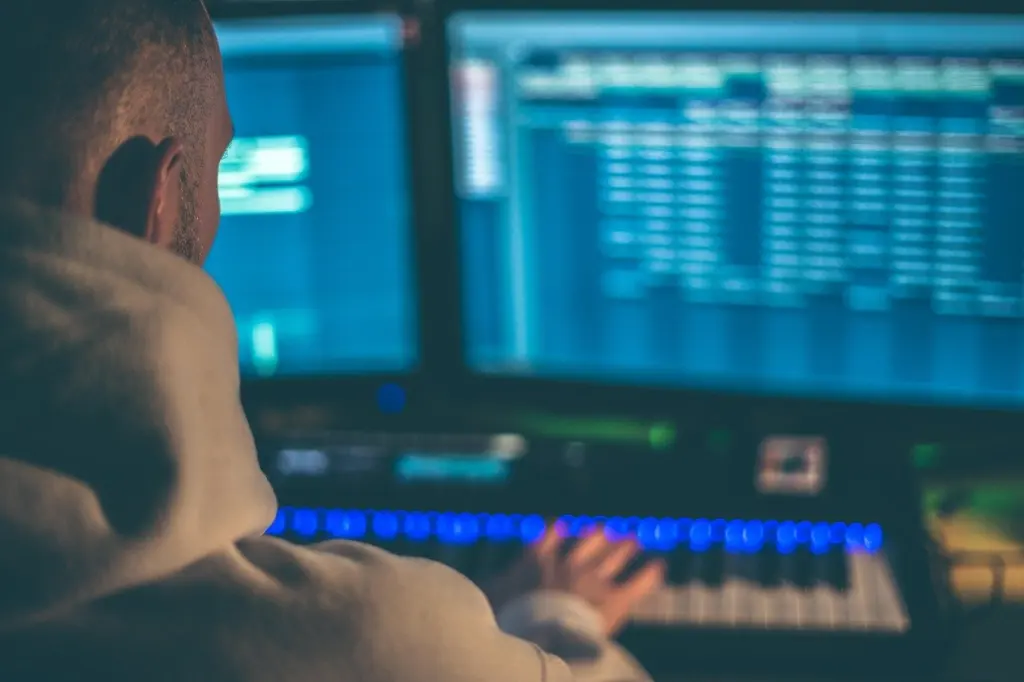
| Tool | What it does | Planning use |
|---|---|---|
| Computer | Runs the DAW; a powerful machine is needed, and Mac and Windows are both given as examples | Check the machine you already own before buying anything else, because every other item connects to it. |
| DAW | Software used to record, edit and export music | Install first. A free option comes pre-installed on every Mac. |
| Audio interface | Connects a microphone or guitar to the DAW over USB and converts analogue signals to digital | Buy when you want to record real sound. An entry model such as the Focusrite Scarlett is a common starting point. |
| Microphone | A large diaphragm condenser is probably the most versatile first microphone; condensers need 48V phantom power | Choose after the interface, so you know the interface can power it. |
| MIDI keyboard | USB keyboard for playing software instruments and synths in the DAW | Add when typing notes with a mouse starts to slow you down. |
| Studio monitors | Loudspeakers designed to give a true representation of the sound being played | Add when you start mixing, and only once the room can support them. |
Roles and prices in the table come from Abbey Road’s beginner studio set-up guide and Music Hub’s home recording essentials.
What do I need to make music at home? Start with a computer and a DAW, then add an audio interface and microphone for recording, a MIDI keyboard for software instruments, and studio monitors once you are mixing.
This guide orders each tool by when it earns its cost, not by how exciting it is. If you want a learning plan alongside the kit list, you can follow how to learn music production while you work through the purchases below.
Computer and software: the start that cannot be skipped
Everything in a home studio runs through a computer, so check yours before spending on anything else. Music Hub’s home recording guide states that you need a powerful computer on which you can install and use a DAW, and it gives Mac and Windows as examples. If your current machine already runs creative software smoothly, that is the cheapest possible start. If it struggles, fixing that is a better first purchase than a microphone or a pair of speakers, because no accessory can compensate for a computer that cannot run your software.
What a DAW is and why it comes first
A DAW, short for Digital Audio Workstation, is the software you use to record, edit and export music, as Music Hub describes it. It is the place where a track lives: recorded audio, software instruments and the final export all pass through it. Every hardware item later in this guide exists to get sound into the DAW or to let you hear what is inside it, which is why the software choice comes before any hardware choice. For a fuller walk-through of how the software operates, see what is a daw in music production.
Levels Music Production names four main types of DAW: linear or track-based, pattern-based, loop-based and sample-based. Track-based programs give you a linear timeline that shows all of your tracks at once and makes them easy to edit. That layout suits anyone who expects to record vocals or instruments, because every take sits side by side where you can see it. If you think in patterns, loops or samples instead, test those types before committing to a timeline-first program.
Free, trial and paid options
You do not need to pay to find out whether a DAW suits you. The sources below describe several routes in, each with a different catch.
- GarageBand for Mac owners. Apple provides this free program, and it is pre-installed on every Mac computer, according to Music Hub. It is the obvious first stop if you already own a Mac, because it costs nothing and needs no download decision.
- Ableton Live for a long trial. Levels Music Production describes a generous 90-day free trial. That is long enough to judge the program on real projects rather than a quick first impression.
- Logic Pro X for low cost. The same source calls it inexpensive and notes that it also offers a free trial. It does not give a price or trial length, so check both on the developer’s page before deciding.
- Pro Tools for later. Levels Music Production says it can be expensive and challenging to learn if you are new to music production. Beginners are usually better off proving the habit first on something gentler.
- FL Studio with a caveat. It can be more limited than other DAWs when recording audio from external sources, such as a microphone. If vocals or live instruments are central to your plans, weigh that limit before choosing it.
Use a trial as a real test: take one idea through recording, editing and export before the clock runs out. If you want help narrowing the field, the guide to the best daw for beginners compares starting points, and a list of free music production software covers the no-cost route.
| DAW or type | What the evidence says | Planning use |
|---|---|---|
| Linear / track-based | Linear timeline showing all tracks at once for easy editing | Best fit if you plan to record and arrange takes visually. |
| Pattern-, loop- and sample-based | The other three main DAW types named by Levels Music Production | Try a trial first if your ideas start from patterns, loops or samples rather than recordings. |
| GarageBand | Free, pre-installed on every Mac | Zero-cost start for Mac owners. |
| Ableton Live | 90-day free trial | Long enough to test on complete projects. |
| Logic Pro X | Inexpensive; free trial offered | Check the current price and trial length on the developer’s page. |
| Pro Tools | Expensive and challenging for beginners | Leave until you know why you need it. |
| FL Studio | More limited for recording from external sources | Weigh carefully if you will record microphones. |
The comparison draws on Levels Music Production’s DAW guide and Music Hub’s home recording essentials.
VST plugins and virtual instruments
Plugins extend a DAW with extra virtual instruments, and MIDI works with a wide array of them, as Departure Music notes in its overview of MIDI programming and DAWs. If the term is new, read what is a vst plugin for the practical details of installing and using one. A sensible rule is to learn the instruments your DAW already includes before collecting more. A cluttered plugin folder slows you down, and it hides the fact that most early problems come from arrangement and recording rather than from missing sounds.
Recording sound: audio interface and microphone
An audio interface and a microphone are only necessary if you want to record real-world sound such as voice, guitar or acoustic instruments. If your music will be built entirely from software instruments, you can postpone both and spend that money on the sections that follow.
The audio interface
Music Hub explains that an audio interface connects your microphone, or even your guitar, to your DAW through a USB connection on the computer. Abbey Road adds the technical reason: it converts analogue signals into digital signals so they are compatible with your computer software for recording. Without that conversion, a microphone signal has no route into the program.
Abbey Road’s guide lists a Focusrite Scarlett at £99 with 2 in and 2 out as an entry example (a December 2023 listing). Treat that as a rough anchor for what entry-level costs look like, not a current shelf price. Match the number of inputs to what you will record at the same time: a single singer-songwriter needs far fewer than a band recording live. If you want model comparisons, the guide to the best audio interface for home studio goes deeper.
Choosing a first microphone
Abbey Road states that a large diaphragm condenser microphone is probably the most versatile as a first microphone. That makes it the default recommendation when you do not yet know whether you will record vocals, guitar or something else. The condition is power: condenser microphones need 48V phantom power, so confirm that the interface you buy can supply it before you choose the microphone. For recommendations aimed at singers specifically, see the best microphone for recording vocals at home.
Playing and programming parts: MIDI keyboards and controllers
A MIDI keyboard is the tool for anyone who wants to play parts rather than draw them in with a mouse. Music Hub calls a USB MIDI keyboard the best choice for playing the countless software instruments and synthesisers inside a DAW.
The MIDI keyboard
Departure Music is clear on an important point: these keyboards do not produce sound on their own. When connected to a DAW, they trigger virtual instruments. That has a practical consequence for your budget, because the sound quality you hear depends on the software instruments and your monitoring, not on the keyboard’s own electronics. Spend on feel and layout rather than on sound.
What sets them apart, according to the same source, is sensitivity to touch, known as velocity sensitivity, which allows nuanced performances. A keyboard that responds to how hard you play makes software instruments feel more like instruments and less like triggers. When you compare models, check how many keys you need for the parts you play and whether the controls match your DAW. A shortlist is in the guide to the best midi keyboard for beginners.
MIDI connections and recorded parts
Once a keyboard is plugged in, the questions move to connections and file handling. The guide on What Is MIDI Over USB? A Practical Guide To Connecting Instruments In 2026 – Soniqcast covers the cable side, and What Is a MIDI File? The Beginner’s Guide To Digital Music Data (2026) – Soniqcast explains what happens to your performance once it is saved. If you prefer to build patterns step by step rather than play them live, Sequencers Unlocked: What a Music Sequencer Is, How It Works, and How To Use One In 2026 – Soniqcast shows how that workflow operates.
Pad controllers and sound sources
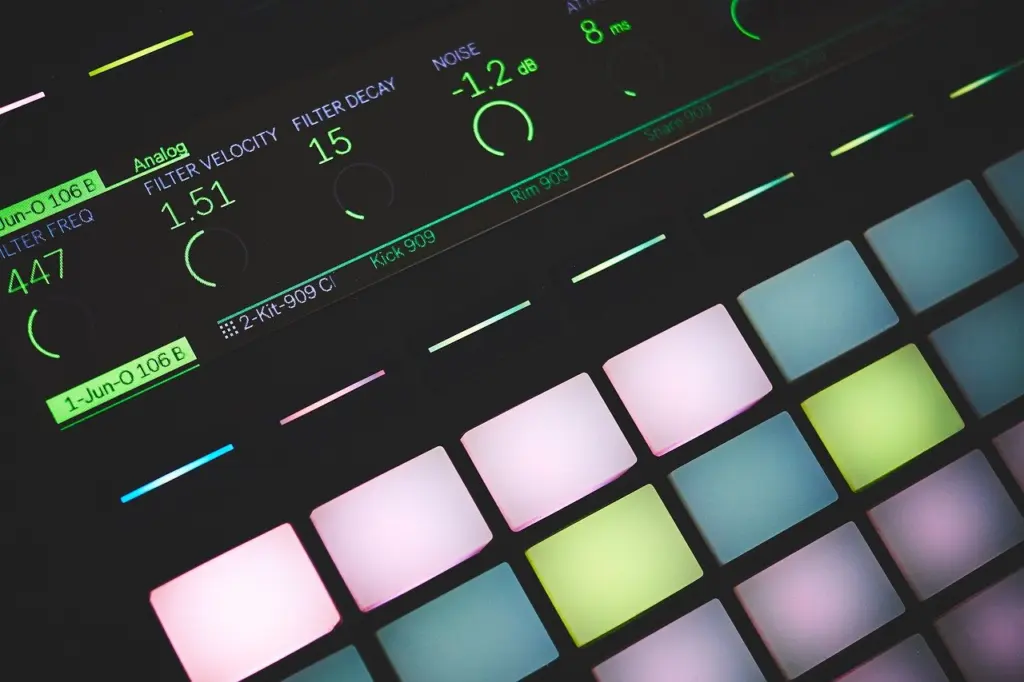
Not everyone thinks in piano keys. A pad controller suits producers who build drum parts by tapping hits, and it plugs into the same MIDI system as a keyboard. If you make beats first and melodies second, a pad grid may deserve your money before a full-size keyboard does.
Understanding where your software sounds come from also helps you choose them. When Was the Synthesizer Invented? Tracing Its Origins From Early Electronic Instruments To The 1970s – Soniqcast sets out the history behind the synth sounds you will find in most plugins. If vocal processing interests you, What Is a Vocoder? A Clear, Practical Guide to How Vocoders Work and How to Use Them in 2026 – Soniqcast explains one classic effect.
Monitoring: studio monitors and headphones
You cannot make good decisions about sound you cannot hear accurately, so monitoring matters more than its place in the buying order suggests. It comes late because it only pays off once there is something worth mixing.
Are studio monitors better than headphones?
For judging a mix, studio monitors are the stronger choice, with one important condition: the room. Abbey Road defines them as loudspeakers designed to give you a true representation of the sound being played. It also admits that a perfectly neutral speaker is not actually possible, because all loudspeakers affect the sound to varying degrees. So monitors are better described as the least coloured option, not a flat one.
Music Hub argues that you need sound-independent monitors even if you have other good speakers or headphones. Abbey Road adds the payoff: mixing your tracks on studio monitors helps produce a final mix that can translate well to other playback systems. Headphones still have a place, especially for recording and late-night work, and the guide to the best headphones for music production explains how to choose a pair. Treat headphones as a companion to monitors, not a replacement for them, when the mix matters.
Choosing monitors for a small room
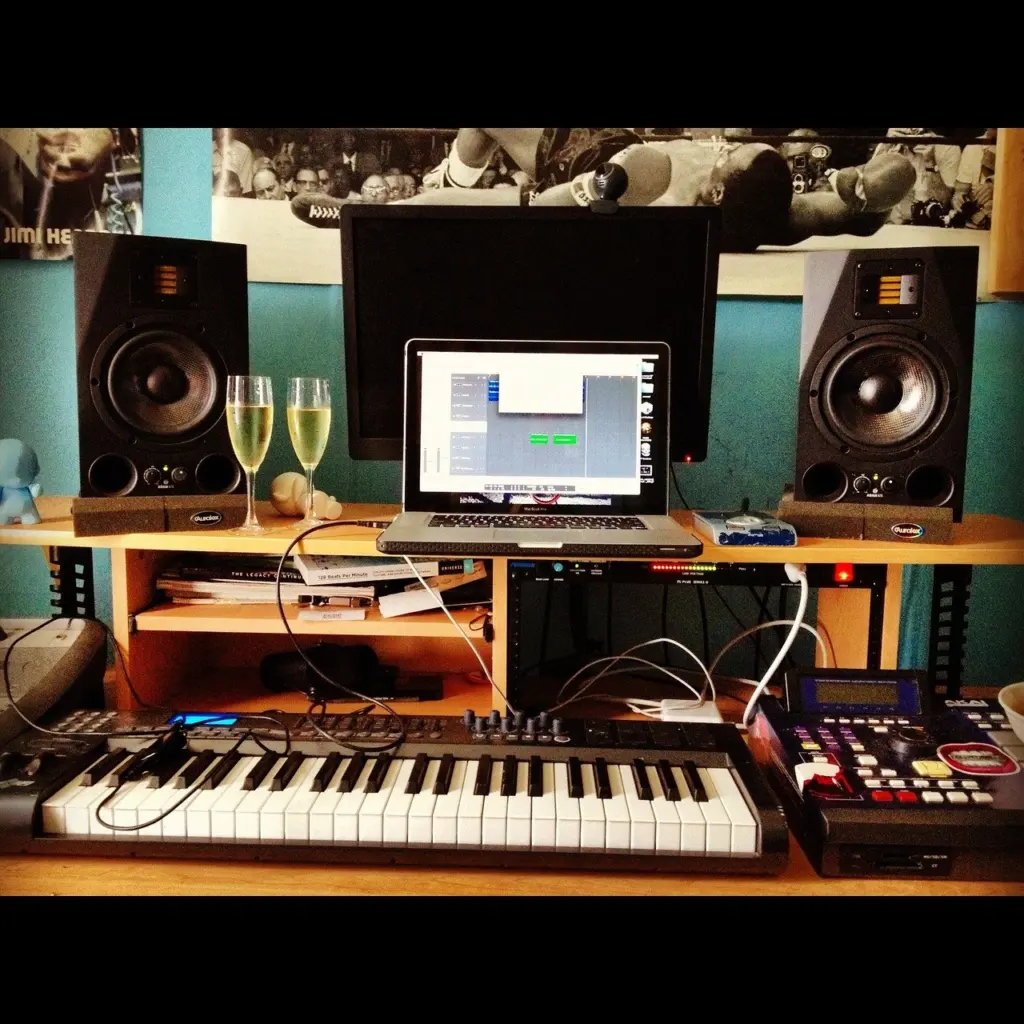
Abbey Road says nearfield studio monitors are often the best way to go with small, home studio set-ups. Nearfield simply means monitors designed to be listened to at close range, which suits a desk. Beyond that, price is the practical filter. The examples in Abbey Road’s guide give a feel for the entry-level band.
| Monitor | Example price | Planning use |
|---|---|---|
| JBL 305 | £130–£250 | Lowest-cost example in the list; the range suggests prices vary by seller, so compare before buying. |
| KRK Rokits | £270 | Mid-priced example. |
| Yamaha HS7s | £330 | Highest-priced of the three examples. |
The prices above are the examples given in Abbey Road’s beginner studio set-up guide, so confirm current prices with a retailer.
None of these figures settle which monitor sounds best in your room. Use them to set a budget, then listen to music you know well before buying.
Your room and monitor placement
The room shapes what you hear as much as the monitors do. Abbey Road notes that the acoustic and reverberation properties of the space can influence the perceived quality of the sound. In a bare bedroom, expensive monitors can still mislead you, so decide what to do about the room before upgrading speakers. The guide to acoustic treatment for home studio sets out the options for a small space.
Placement is the cheaper part of the fix. Abbey Road points out that isolation pads help to decouple monitors from hard surfaces such as tables and stands, which reduces vibration reaching the furniture. If your monitors sit directly on a desk or shelf, pads are a low-cost addition that is worth making before any further spending on the speakers themselves.
Where to start: three buying paths
The right order depends on what you are making. Use the path closest to your plan and ignore the rest until you need them.
Producers who work with software instruments
This path suits electronic, hip-hop and pop writers who build tracks inside the computer.
- Spend first on the DAW and the computer. A free or trial program is enough to learn the workflow.
- Add a keyboard or pad controller next. It speeds up writing parts and makes software instruments playable.
- Delay the interface and microphone. They solve a recording problem you may not have yet.
Singers, guitarists and acoustic players
This path suits anyone whose music starts with a voice or an instrument in the room.
- Pick the DAW with recording in mind. Check how well it handles external sources before committing.
- Buy the interface and a condenser microphone as a pair. Make sure the interface supplies the power the microphone needs.
- Use headphones for tracking. Wait on monitors until you have recorded enough to want a careful mix.
Mixing-focused learners
This path suits people who already have material and want to polish it. Here, monitoring and the room move up the list: put money into monitors only after you know how the room treats them, then add treatment or isolation pads. A DAW with a clear timeline helps because you will spend long hours comparing and adjusting tracks.
Frequently asked questions
How much can a DAW cost?
Levels Music Production says DAWs range in price from free to several thousand dollars, so a free option is a realistic place to begin.
Do all microphones need phantom power?
No. Abbey Road notes that dynamic microphones do not require the 48V phantom power that condenser microphones need to work.
Does MIDI carry audio?
No. Departure Music explains that MIDI does not carry audio; it conveys information about the music, which a DAW uses to trigger virtual instruments.
How many keys should a MIDI keyboard have?
No single number is required. The Music Hub author prefers at least 61 keys, but that is a personal preference, so choose a size that fits the parts you play and the space on your desk.


Leave a Reply