
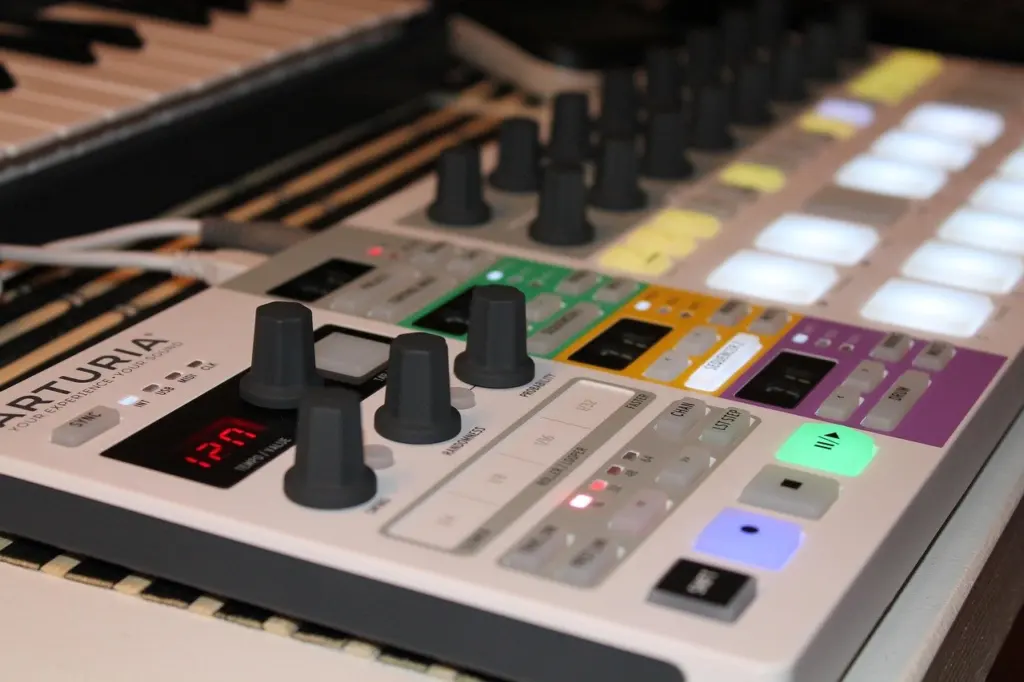
What is a sequencer in music? It is a software or hardware tool that records, edits and plays back musical sequences, usually as MIDI data: notes and timing, not sound. To hear anything, the sequence has to drive a sound source.
This guide follows a musical idea from a single note to a finished arrangement. For the wider kit list, see what do I need to make music at home. For the data format a sequencer works with, read What Is a MIDI File? The Beginner’s Guide To Digital Music Data (2026) – Soniqcast.
What a sequencer actually stores
A sequencer stores instructions rather than sound. According to Sound on Sound’s Recording Works series, sequencing captures the performer’s notes and their timing, not the actual sound of the music. That is why a sequence stays flexible after it is played. You can swap the instrument, change a note or shift the timing without performing again.
The language these instructions are written in is MIDI. The same source describes it as a system that lets instruments, computers and other devices communicate universally. Legato Music Center puts the relationship simply: at its core, a sequencer records and plays back MIDI. Because the data is that compact, almost all sequencers can save a sequence as a MIDI file, so work can move between programs and devices.
The practical consequence for a beginner is that a sequencer alone is silent. Something has to turn the notes into sound. Some hardware sequencers include built-in sound generators. A software sequencer relies on the instruments available in the program it runs in.
How a sequence grows, stage by stage
A sequencer builds music in layers, and each stage gives you a different kind of control. The order below is the usual one, though you can jump between stages freely.
- Capture the notes. You can play them live on a MIDI-enabled instrument and record the performance, or enter them by hand. Sequencers can record live performances and let you edit the resulting MIDI data afterwards, so a take does not have to be perfect.
- Edit individual notes. Per-note control is the main appeal. In a sequence, the length or pitch of any note can be changed, as the Sound on Sound series explains, and the Sound Particles guide likewise highlights control over each individual note.
- Tighten the timing. Quantizing adjusts the timing of notes to a predefined rhythmic grid, according to Legato Music Center.
- Layer tracks. Users can create multiple tracks of MIDI data, such as drums, bass and melody, and play them together.
- Arrange sections. Those tracks can be arranged into sections such as verses, choruses and bridges, which turns a loop into a song.
Piano roll: seeing the notes
In software, the most common editing view is the piano roll. Sage Audio’s MIDI sequencing basics describes it as a window that graphs pitch on the vertical axis and time on the horizontal axis. Legato Music Center adds that you can draw notes in a piano roll editor, which displays the notes and their timing graphically. If you read music poorly or not at all, this view is the easiest way in. A note’s height is its pitch and its length on screen is its duration.
Quantizing: when to use it
Quantizing syncs the notes to a rhythmic grid, and Sage Audio notes that you choose the grid division from a whole note to, usually, a 32nd note. A coarse division snaps notes to major beats. A finer division keeps more of the rhythmic detail you played. For a beginner, the useful rule is to match the grid to the fastest notes in the part. Choosing a division coarser than the part itself would force fast notes onto the wrong positions.
Types of sequencers
Sequencers differ in where they live and how you enter notes. The table compares the types most beginners meet.
| Type | What it is | Planning use |
|---|---|---|
| Hardware sequencer | A standalone device dedicated to sequencing and recording MIDI data, which may also include built-in sound generators | Suits players who want physical controls and a self-contained unit; check whether it makes its own sound or needs a synth attached |
| Software sequencer | A computer program that runs on a digital audio workstation (DAW) | Suits anyone already recording on a computer; no extra device is needed to start |
| Step sequencer | The earliest sequencing device in electronic music, used with voltage-controlled synthesisers; the musician enters the pitch and duration of each note | Suits building short repeating patterns one note at a time, without needing to play them in |
Descriptions of hardware and software sequencers come from Legato Music Center, and the step sequencer’s history and note entry from Sound on Sound.
Step sequencers and pattern grids
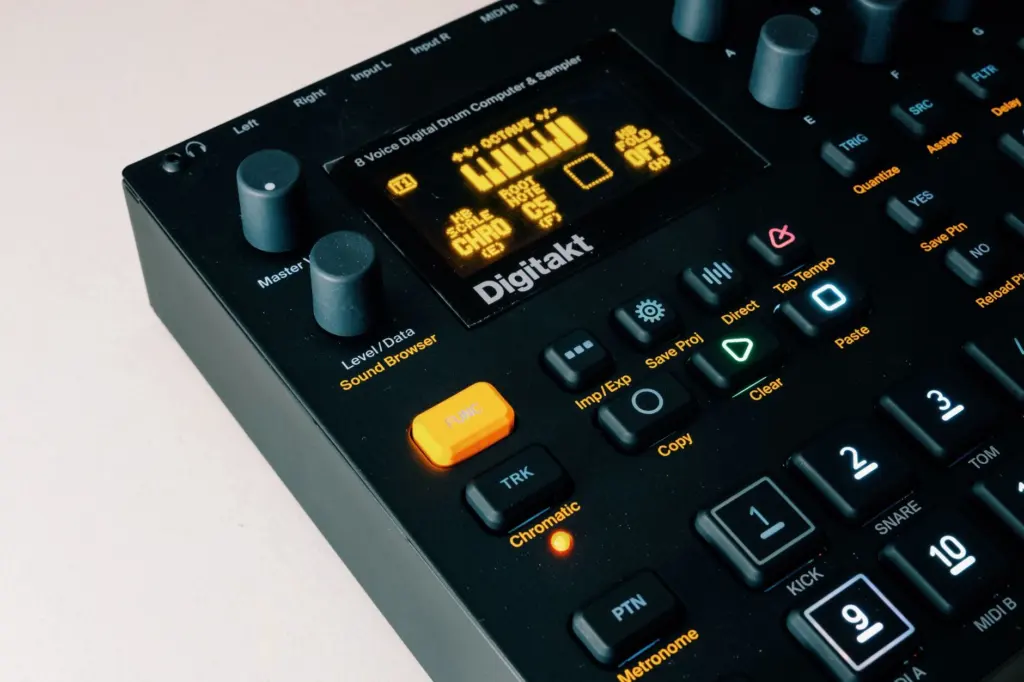
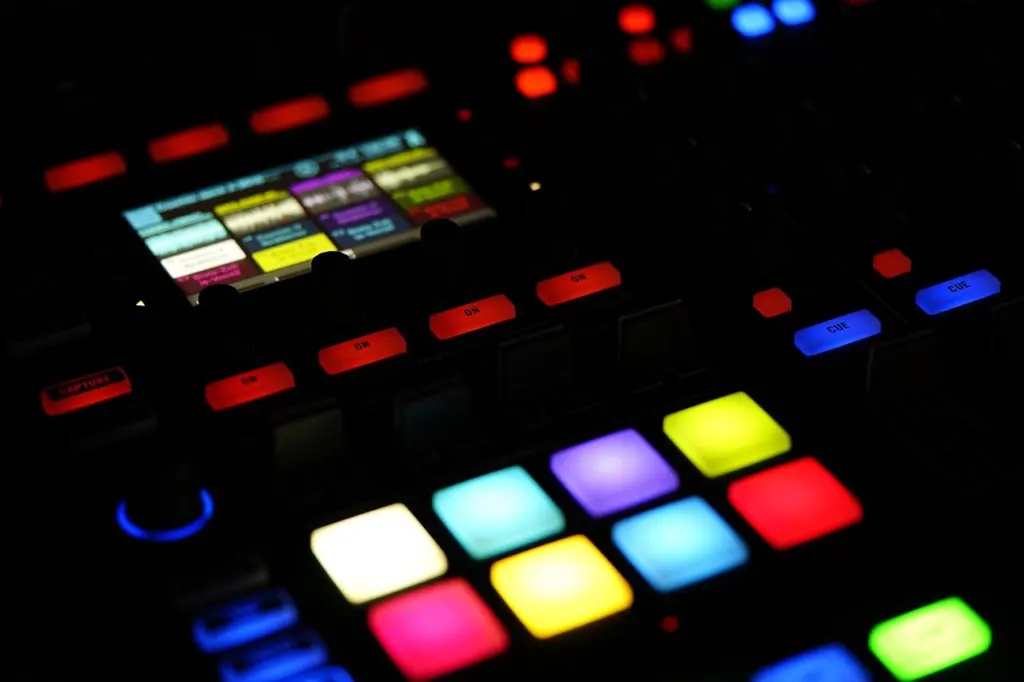
Step entry is the most approachable way to understand sequencing, because each note is placed deliberately instead of played. Pitch and duration are set note by note, and the result repeats. Drum machines and many hardware sequencers present this as a row of lit pads, one per step.
Polyphonic sequencers and arpeggiators
Not every sequencer plays one note at a time. The Sound Particles guide says polyphonic sequencers let you create sequences for multiple notes simultaneously, which is what chords and layered parts need. Arpeggiators work differently. You play a chord or a series of notes, and the device generates a pattern from them, with preset patterns such as ascending or descending. Choose a polyphonic sequencer when you want to write parts. Choose an arpeggiator when you want movement from notes you already play.
Sequencers and audio
A sequencer’s core job is MIDI, but audio is often part of the same program. Sage Audio explains that sequencing, typically played through a MIDI controller, records your notes as MIDI data rather than audio. Legato Music Center adds that many modern sequencers also support audio recording and editing, so a vocal or guitar take can sit on an audio track next to your MIDI parts.
The mix of the two is not new. The Sound on Sound series describes early desktop systems in which sounds were recorded, edited and then bolted into a MIDI sequence. For a beginner, the distinction decides which tool to reach for. Use MIDI tracks when you want to keep changing notes, and use audio tracks to keep a performance exactly as it was played.
This is also where the DAW enters. Software sequencers run on a digital audio workstation, and Sage Audio observes that most DAWs offer some sequencing function. The same article says producers who lean on sequencing heavily tend to prefer Cubase, Logic or Digital Performer. That suggests checking how the editing tools feel before settling on a DAW, rather than assuming every program suits sequencing-heavy work equally.
Starting with your first sequence
Begin with one part and finish it before adding more. A workable first session looks like this:
- Pick the environment. If you already have a computer and a DAW, use its built-in sequencer first. A hardware unit makes sense if you prefer physical controls and want a dedicated device.
- Enter one part. Record it from a MIDI controller if you can play it. Otherwise draw it in the piano roll or enter it step by step. Either route produces the same kind of data.
- Fix, don’t redo. Edit note lengths and pitches in place. Quantize only if the timing needs it, and pick a grid division that fits the part.
- Add a second track. A bass line under a drum pattern shows how layers combine, and playing them together reveals what each part still needs.
- Arrange sections. Copy your material into sections such as a verse and a chorus, then vary one element in each so they sound distinct.
- Save as MIDI. Exporting a MIDI file gives you a portable copy of the notes that other programs can open.
From here, the broader skill is learning how editing, sound choice and arrangement fit together. A structured path for that is laid out in how to learn music production.
Frequently asked questions
Is a sequencer the same thing as a DAW?
No. A DAW is the wider recording and production environment. The sequencer is the part that handles note data, and most DAWs include at least some sequencing function. Hardware sequencers also exist outside any DAW.
Does a sequencer make sound by itself?
No. The data holds note information and timing rather than audio, so a connected instrument has to turn it into sound, unless the unit has its own onboard voices.
Can I change a part after I have recorded it?
Yes. Live MIDI performances can be edited afterwards, and individual notes can have their length or pitch changed, so a recording with a few wrong notes is still usable.
Can I move a sequence into another program?
Usually. Almost all sequencers can save a sequence as a MIDI file, which carries the note data into another sequencer or DAW.


Leave a Reply