

Learning how to connect turntable to speakers comes down to signal level: a turntable with a built-in preamp, or set to LINE, plugs straight into powered speakers; a PHONO output needs a phono preamp or a receiver PHONO input first.
Anyone who would rather listen privately can check the best headphones for music in the wider audio equipment guide. Otherwise, the steps below are organised by turntable output type, so find your turntable’s type and follow that chain.
Why the signal level decides the connection
A phono preamp converts the PHONO signal to LINE level, so it has to sit ahead of any line-level input in the chain. Many turntables already contain one. When such a turntable is set to PHONO level, its internal preamp is bypassed, and an external preamp becomes necessary.
The target is exactly one preamp in the path. With none, the sound is nearly silent; with two, it is loud and distorted. That rule answers the common question about whether a phono preamp is needed: a turntable without a built-in preamp needs one between it and the speakers, while a turntable with a PHONO/LINE switch can be set to LINE so the external preamp is skipped.
Speaker type decides the rest of the chain. Powered speakers have internal amplification, while passive speakers require external amplification. Powered speakers therefore need only a line-level source, whereas passive speakers also need an amplifier or receiver. Once those two questions are answered, the setup follows from the table below.
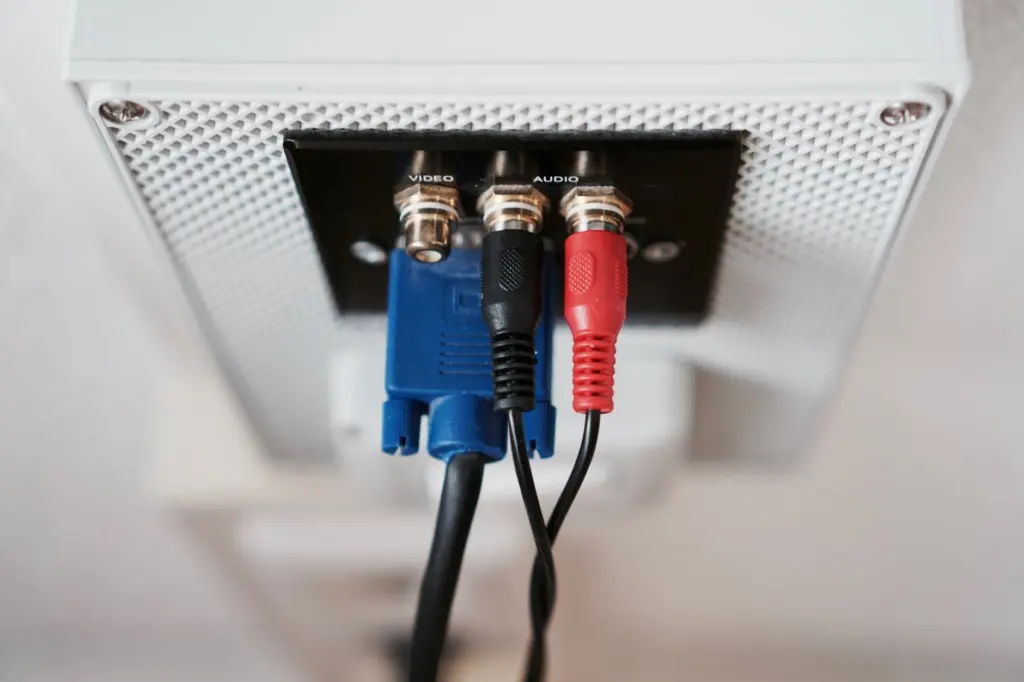
Connection matrix by turntable type
Match the first column to the turntable on the desk and read across to the chain you need.
| Turntable type | Signal chain | Planning use |
|---|---|---|
| Built-in preamp, or PHONO/LINE switch set to LINE | Turntable, RCA cables, powered speakers | Skip the external preamp; adding one would put two preamps in the path. |
| No built-in preamp, powered speakers | Turntable, RCA cables, phono preamp, powered speakers | A phono preamp is required between the turntable and the speakers. |
| PHONO output, receiver with a PHONO input | Turntable, RCA cables to the rear PHONO input, ground wire to the GROUND or GND post | Check the rear panel for a PHONO input and grounding post before buying a separate preamp. |
| Amplifier labelled as an integrated amplifier | Turntable, amplifier, speakers | Integrated amplifiers usually include a preamp, so confirm the PHONO input on the back. |
| Turntable without Bluetooth, Bluetooth speaker | Turntable, Bluetooth transmitter such as the Pro-Ject Phono Box E BT or a similar unit, speaker | Expect a 0.5-2.0 second delay before sound reaches the speaker. |
Chain order and preamp rules follow a powered-speaker setup guide and a beginner’s guide to turntable setups.
Setup steps by output type
Built-in preamp or LINE output to powered speakers
This is the shortest path and suits anyone with an all-in-one turntable and a pair of desktop or bookshelf powered speakers. Work through it in order:
- Set the output. If the turntable has a PHONO/LINE switch, set it to LINE and skip the preamp.
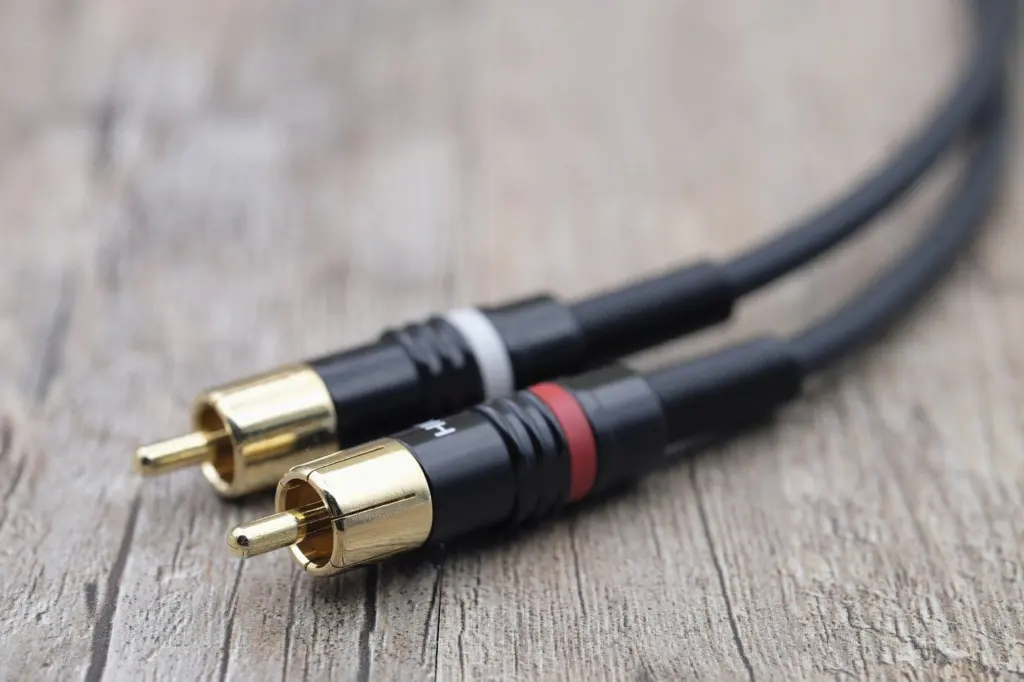
- Check the connectors. Audio systems typically offer RCA (the red and white double circles) or 3.5mm (headphone jack size) inputs, so an adaptor may be needed if the turntable and speaker use different types.
- Run the cables. Plug the RCA cables from the turntable output into the powered speaker’s input.
- Power up and play. Switch on the turntable and speakers, then start a record.
Check the turntable’s own output connector before buying cables. Retrolife, for example, says its turntables output on a 3.5mm jack connector, which is specific to that brand, so an RCA-only cable would not fit.
Some powered speakers go further. Klipsch’s R-15PM powered monitors include a built-in phono preamp, and its guide says to connect the RCA and ground cables from the turntable, set the switch on the back to Phono, power both units on and play. That is the exception, though: most powered speakers still require a separate phono preamp.
PHONO-only turntable with an external preamp
Choose this route when the turntable has no preamp and the speakers are powered, or when the receiver has no PHONO input. Connect the turntable’s RCA cables to the preamp’s input, then run the preamp’s output to the powered speakers. The ground wire matters here: connect the turntable’s thin ground wire to the preamp’s GND screw to stop hum.
Plan for power as well as cables. A moving-magnet phono preamp needs USB or wall power, so leave room near an outlet or a USB supply when positioning it.
Receiver or integrated amplifier with a PHONO input
This setup suits anyone using passive speakers, since passive speakers cannot be driven by the turntable or a preamp alone. Retrolife lists the passive-speaker kit as a receiver, phono preamp, RCA cables and a pair of speakers, and the order runs turntable to preamp, preamp to amplifier, amplifier to speakers, with RCA cables between the first two.
If the receiver has its own PHONO input, that input takes the place of the separate preamp. On the receiver, look for inputs on the back of the unit marked PHONO. The ground wire goes to the grounding post, which is usually marked GROUND or GND, or shown as a pitchfork icon. Plug the RCA cables into the PHONO jacks, fasten the ground wire under that post, and choose the PHONO source on the receiver.
Bluetooth and wireless speakers
Bluetooth speakers work in two ways, depending on the turntable. If the turntable has Bluetooth built in, pairing is usually simple: record players generally connect to Bluetooth automatically after powering on, though some units have a Bluetooth button to press first.
If the turntable has no Bluetooth, any turntable can be connected to the Pro-Ject Phono Box E BT or a similar Bluetooth transmitter. The trade-off is timing: expect a 0.5-2.0 second delay before the speaker outputs sound. That delay is easy to live with for records but rules out using the same speaker for video. For wireless speakers chosen mainly for volume, see The Loudest Bluetooth Speaker In 2026: How To Choose One That Packs Real Volume – Soniqcast.
Fixing hum and other faults
Most problems after wiring come from a few causes, and each has a distinct symptom:
- Hum: check the ground wire first. The preamp’s GND screw or the receiver’s grounding post must hold the thin wire from the turntable. Klipsch notes that some turntables require grounding, so an unconnected ground wire is a likely cause.
- Nearly silent output: no preamp is in the path. Add one or use a PHONO input, as no preamp gives nearly silent sound.
- Loud, distorted output: two preamps are active. Set the turntable’s switch to LINE if the speakers or receiver already provide a preamp stage.
- Lag on Bluetooth: this comes from the transmitter link itself. A wired connection removes it.
Finishing the setup
Once the sound is clean, placement is the last piece. A stable surface keeps the turntable and its cables tidy, and The Perfect Record Player Stand: How To Choose, Set Up, And Care For It In 2026 – Soniqcast covers how to choose and set one up.
Frequently asked questions
How much does a phono preamp cost?
A moving-magnet phono preamp runs $25-$100, and a complete chain bought new is about $30-$120 on that guide’s figures. A separate guide puts the cheapest preamps around $50-$70, with the most expensive over $500.
Does the Bluetooth version matter?
Yes. Before pairing a Bluetooth turntable with a speaker, you first need to know the Bluetooth version of the record player so the speaker can be matched to it.
What happens if I plug the turntable into an AUX input?
A PHONO signal sent into an AUX input gives music that is very quiet with a loud hum. Use a PHONO input, a preamp or a LINE setting instead.
Can passive speakers connect directly to a turntable?
No. Passive speakers need external amplification, so they connect to a receiver or amplifier, not to the turntable or preamp output.



Leave a Reply