
Is lossless audio good? Yes, when your gear and listening conditions can reveal it. Lossless keeps all the original audio information, but on everyday headphones or speakers most listeners won’t notice a gain over a well-made lossy file.
Hardware matters more than the file format for most people, so it helps to settle your equipment first. Our guide to the best headphones for music covers that side of the decision.
How lossless audio works
Sonos defines lossless audio as compressed audio files that retain all of the audio information from the original recording. A lossy format such as MP3 makes smaller files by giving up some of that information. The difference starts with how sound becomes a file.
- Capture. Sound is sampled as a series of snapshots. Sonos explains that the more snapshots taken, the higher the sample rate.
- Resolution. Apple Music and Amazon Music both define lossless as starting at CD quality, which is 16-bit. Anything below that threshold is not lossless on those services.
- Encoding. A lossless codec such as FLAC or ALAC shrinks the file without discarding data, so the original can be rebuilt exactly. A lossy codec shrinks it further by removing information.
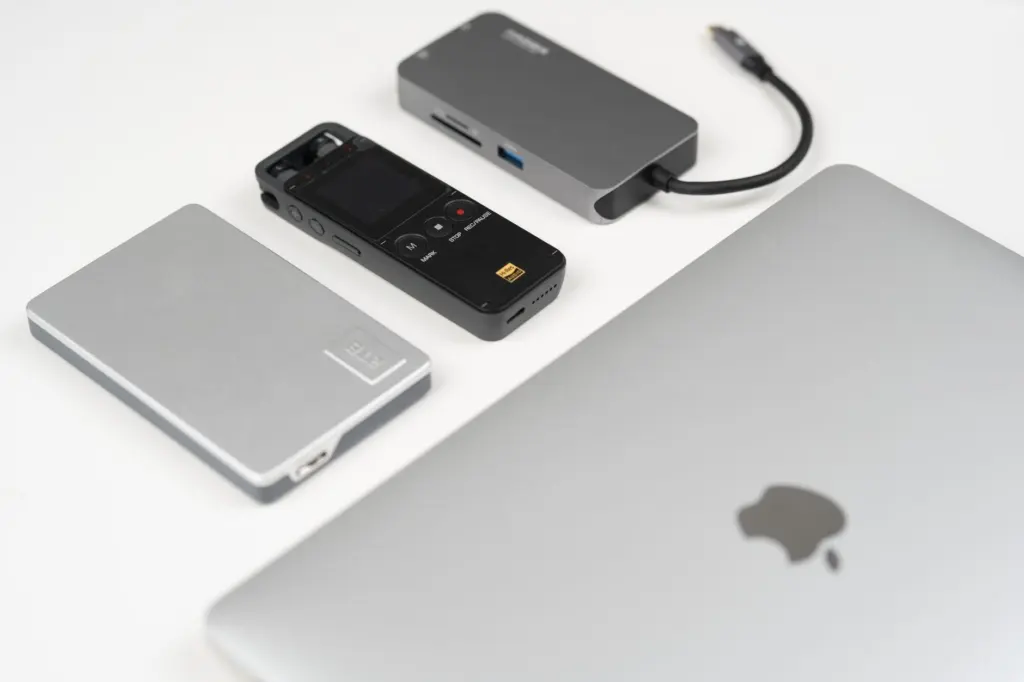
- Playback. The player, DAC, cable or wireless link, and headphones or speakers decide how much of that information reaches your ears. Sonos frames lossless as most useful when the system reproduces the full range of human hearing, generally 20 Hz to 20 kHz.
The final stage is where most of the practical disappointment comes from. A lossless file does nothing for you if a weak link in the chain throws the detail away, and the later sections cover those links in turn.
Lossless and lossy formats compared
The formats you are likely to meet fall into three groups: compressed lossless, uncompressed lossless and lossy. The table below sets them side by side on size and quality.
| Format | Type | Size and quality | Planning use |
|---|---|---|---|
| FLAC | Lossless, compressed | Typically shrinks files by 50-70% without data loss; open-source and royalty-free; rated 3/3 for audio quality | A sensible default for a lossless library when you want an open format |
| ALAC | Lossless, compressed | Similar to FLAC but initially limited to Apple devices | Suits a library built around Apple hardware |
| WAV | Lossless, uncompressed | Stores raw, uncompressed audio with large file sizes | Worth it only if storage is no concern |
| AAC | Lossy | Better sound quality than MP3 at the same bitrate | The better lossy choice when space is tight |
| MP3 | Lossy | Audio quality 1/3, playability 3/3, storage cost 3/3 on a scale where 3 is best | Plays everywhere and is cheap to store, with the weakest fidelity of the group |
Size and licensing figures come from Moon Audio’s explainer on lossless audio, and the three-point ratings come from BLISS’s audio file format comparison.
The ratings show why MP3 persists. It scores top marks for playability and storage cost and bottom marks for audio quality. FLAC and MP3 sit at opposite ends of that trade-off, so the choice depends on how many devices you own and how much you care about fidelity. BLISS advises that if you have a lot of different devices, you should aim for a playable format.
What you can actually hear
Bit rate thresholds in a listening test
One informal comparison reported by Yahoo Tech shows how quickly the gap closes as lossy bit rates rise. At 16 kbps or 64 kbps the MP3 compression was obvious. The tester found it hard to separate 320 kbps MP3 from lossless, and the difference grew clearer only below 128 kbps. From 192 kbps upward, the article says, what you hear depends more on the quality of your components than on the file.
That is one person’s test, not a rule for every listener. It does point to a useful decision: a decent lossy stream is not where weak sound usually comes from. If your lossy files are already at a high bit rate, upgrading the headphones or DAC is likely to change more than switching formats.
Recordings and everyday gear
Moon Audio says most listeners won’t notice lossy compression, especially on everyday headphones or speakers. It also says classical, jazz and acoustic recordings benefit more from lossless because they have more dynamic range. That is a vendor’s view, but it matches the general logic: sparse, dynamic music leaves less to hide behind.
The same source cautions that on budget earbuds or a basic soundbar the improvements might be less noticeable. The Yahoo Tech piece adds that speakers, their placement, room acoustics, headphones, the DAC and volume all shape what you hear. A noisy room or poor speaker placement can mask a difference that a quiet, well-set-up room would reveal.
Equipment that makes lossless worthwhile
DACs and device limits
A DAC (digital-to-analogue converter) turns the file’s digital data into the signal your headphones play. Apple’s Apple Music lossless guidance sets out clear limits. iPhone and iPad need an external DAC to play songs at sample rates higher than 48 kHz. The 14-inch and 16-inch MacBook Pro support native playback at sample rates up to 96 kHz. Hi-Res Lossless on Apple TV is available only on Apple TV 4K (3rd generation or later).
In practice, CD-quality lossless needs no extra hardware on those phones. A portable DAC or dongle becomes relevant only when you want the higher sample rates. It is a hardware purchase that makes sense for hi-res files and wired headphones that can use them, and not for casual listening.
Wired headphones and speakers
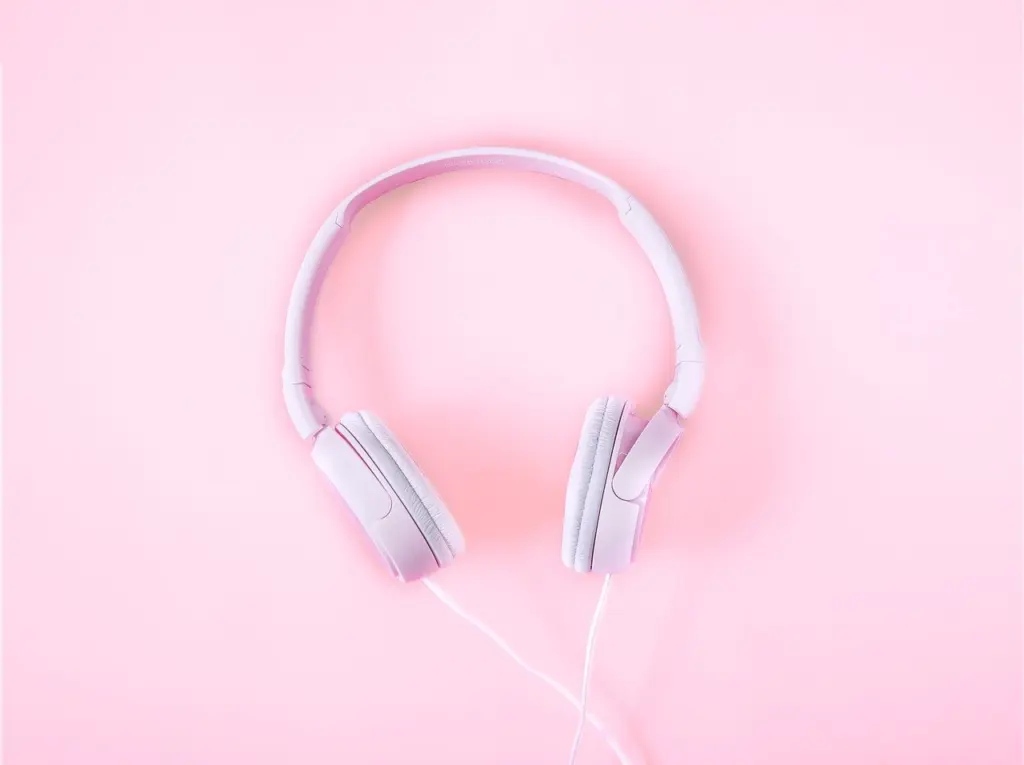
Wired headphones take Bluetooth out of the chain, which makes them the simplest way to hear what a lossless file contains. Over-ear models give you the most room to hear detail, though the supplied evidence does not rank specific models. Speakers are held to the same standard: Sonos ties lossless to playback within the full range of human hearing, generally 20 Hz to 20 kHz. Bass reproduction depends on the driver, and Woofer vs Subwoofer: Choose the Right Bass Driver – Soniqcast explains how the two driver types differ if your system falls short at the low end.
Bluetooth and lossless
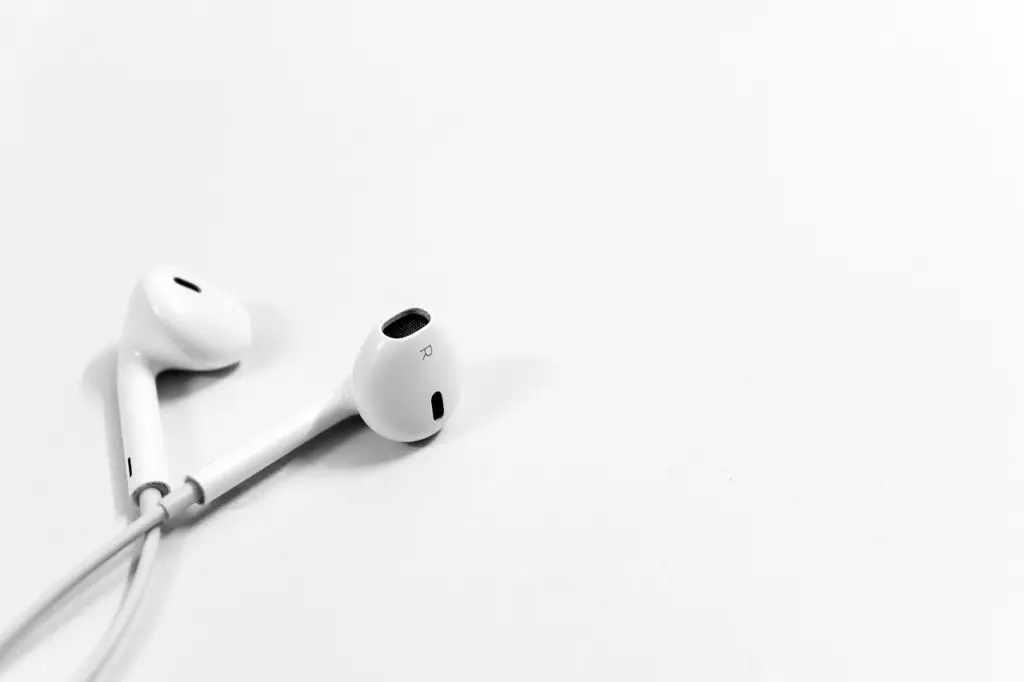
Bluetooth is the biggest practical obstacle. Apple states plainly that Bluetooth connections aren’t lossless, and Sonos notes that most Bluetooth speakers and earbuds don’t support lossless audio. The codec that carries the audio over the wireless link sets the ceiling, so a lossless file sent to typical wireless earbuds is not played back losslessly.
There are exceptions. Sonos describes the Sonos Ace Ultra as among a relatively small class of headphones that can achieve lossless audio over a Bluetooth connection. Apple says you can listen to lossless audio with AirPods Max 1 (USB-C) and AirPods Max 2, the USB-C connection being the route to lossless on those models. If your headphones are not in that small group, a cable is the only reliable way to hear lossless.
Deciding whether to switch
Lossless is worth the effort when several conditions line up, and not worth chasing when they do not. Work through these checks in order.
- Check the connection. If you listen over Bluetooth with ordinary earbuds, lossless will not reach your ears, so a lossless tier adds cost with no audible return.
- Check the headphones or speakers. Budget earbuds or a basic soundbar will blunt any improvement. Spend on the transducers before the subscription.
- Check the music. Classical, jazz and acoustic material gives lossless the best chance to show, according to Moon Audio.
- Check your hardware limits. If you want sample rates above 48 kHz on an iPhone or iPad, budget for an external DAC.
- Check your storage. Lossless downloads need far more space, so stream them or download only favourites if your device is small.
If you pass most of those checks, switching is low-risk and sensible. If you listen mostly on wireless earbuds, a high-bit-rate lossy stream is the better use of your money. Anyone who prefers analogue playback over files may also want Turntable vs Record Player: Which Delivers Better Sound And Value In 2026? – Soniqcast, which compares the two ways of playing vinyl.
Frequently asked questions
Does Apple Music lossless work on every device?
With an Apple Music subscription, Apple says you can turn on lossless audio across all of your devices. Hi-Res Lossless has narrower reach, and on Apple TV it works only on Apple TV 4K (3rd generation or later).
Should I pick FLAC or ALAC for my own library?
Both are compressed lossless formats and are similar in what they do. FLAC is open-source and royalty-free, while ALAC was initially limited to Apple devices. Choose by the devices you own, since BLISS advises aiming for a playable format when you have many different ones.
How much extra storage does lossless need?
Apple says downloading lossless audio uses significantly more space on your device than lossy downloads, and that higher resolutions use more data than lower ones. Streaming avoids the storage cost, and downloading selectively keeps it manageable.


Leave a Reply