

What is a MIDI file? It is a Standard MIDI File (*.mid) that holds a list of performance events instead of recorded sound, so a synthesizer or software instrument has to turn those instructions into audio.
That one distinction explains most of what follows: why the files are small, why they sound different on different setups, and why they are easy to edit. If you are still working out what do I need to make music at home, MIDI is one of the first ideas worth getting straight.
What a MIDI file actually contains
A MIDI file stores the steps of a performance, not the sound of one. The MIDI Association describes a MIDI file as just a list of events that describe the specific steps a device should carry out, and it notes that such a file does not need to capture and store actual sounds. MIDI itself stands for Musical Instrument Digital Interface, according to the Library of Congress format description, which also describes the Standard MIDI File as a wrapper format for MIDI data.
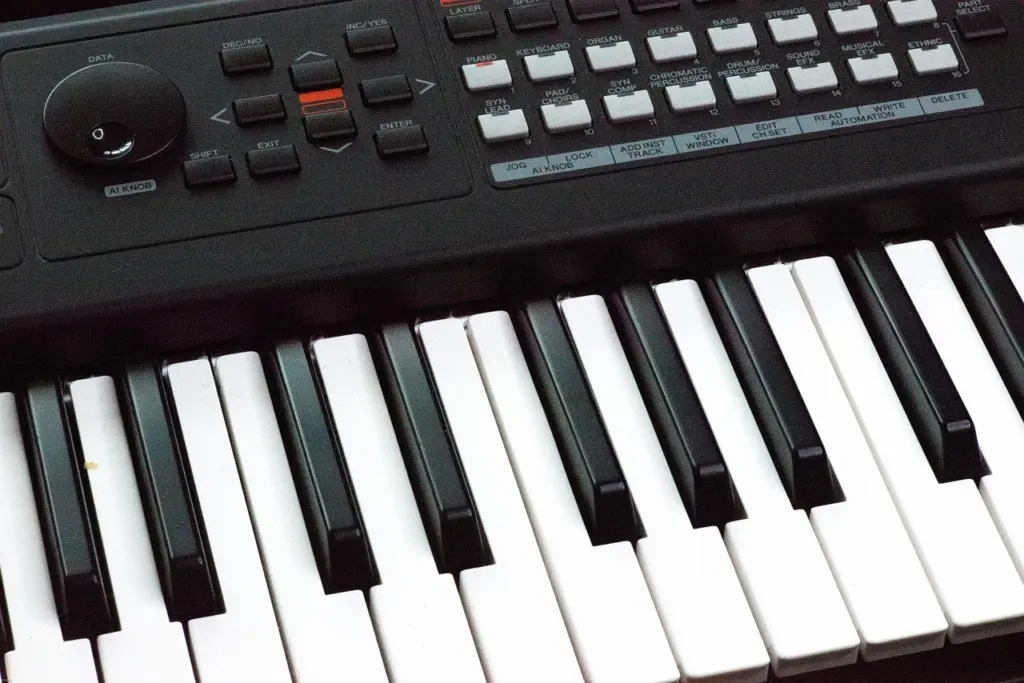
Events instead of waveforms
The performance data in a file is channelized: it includes notes, their lengths, pitch bend data and similar information, each tied to a MIDI channel. Think of it as sheet music a machine can read. The notes are specified, but nothing in the file says what a piano or a bass actually sounds like. That is why a MIDI file is a good fit for composing and arranging, and a poor fit for preserving the character of a particular recorded performance.
Channels and setup information
A Standard MIDI File can also carry setup data for each MIDI channel at the start of the file. The MIDI Association lists items such as Bank Select, volume, pan and reverb settings among the information to consider per channel. One concrete example is Initial Volume (CC7), where the standard level is 100. These starting values matter because they decide how each part sits in the mix before the first note plays, so a file that sets them properly will sound closer to its author’s intent on a new device.
MIDI versus audio: where the line falls
MIDI and audio files solve different problems, and the practical gap between them is the question of what is stored. Loopcloud explains that MIDI works by transmitting performance data, not audio, between musical devices, and that MIDI files differ from MP3, AIFF and WAV files because they do not contain actual audio.
| Question | MIDI file | Audio file (WAV, AIFF, MP3) | Planning use |
|---|---|---|---|
| What is stored | A list of performance events | Recorded sound | Choose MIDI to keep a part editable; choose audio to keep an exact sound |
| Contains actual audio | No | Yes | Vocals and live instruments need audio tracks, not MIDI |
| File size | Very much smaller than digital audio files | Larger, because sound is captured | MIDI suits quick sharing and sketching ideas |
| What decides the sound | The synthesizer or instrument you play it through | The recording itself | Expect MIDI to sound different on different setups |
The comparison draws on the MIDI Association’s file documentation and Loopcloud’s MIDI overview.
Why the files are small
MIDI files are small because they hold instructions instead of captured sound. The MIDI Association states that MIDI files are very much smaller than digital audio files for exactly this reason. No exact size figure applies across the board, since length and the number of events vary from file to file, so treat the size advantage as a general trait rather than a fixed number.
Can a MIDI file contain audio?
No. A standard MIDI file does not hold recorded vocals or instrument takes. If a song needs a sung or recorded part, that part belongs on an audio track alongside the MIDI parts in your project. This is the most common point of confusion for beginners, who sometimes expect to open a downloaded MIDI file and hear a finished recording.
How a MIDI file becomes sound
Playback needs an instrument to interpret the events. Splice points out that without a software instrument selected in your DAW, no playback will be available. A DAW, or digital audio workstation, is the music software where you record, arrange and mix. The MIDI Association notes that compositions in the Standard MIDI File format can be created and played back using most DAW software, and Loopcloud adds that DAWs use MIDI data as an essential part of how they work.
Same file, different sound
The sound you hear depends on the synthesizer you use. The MIDI Association warns that not all synthesizers are the same, so a file can sound quite different on another device unless that device is set up to match. General MIDI (GM) and GM2 were created to help address the issue of predictable playback from MIDI files. If you plan to share a file that must sound consistent, build it around General MIDI. If you only need it to work inside your own DAW, assign whichever instruments you prefer.
Seeing the data in a piano roll
Most DAWs display MIDI notes in a piano roll, which Splice describes as the usual way to visualize MIDI data. Seeing notes as blocks makes MIDI easy to correct: you can move a wrong note, change its length or swap the instrument without re-recording anything. That editability is the practical payoff of storing instructions rather than sound.
File types, extensions and the header
Standard MIDI Files come in a few types, and the choice affects how parts are organized. In a Type 0 file everything is merged into a single track. In a Type 1 file individual parts are saved on different tracks within the sequence. A Type 2 was also specified originally but never really caught on, so you are unlikely to meet it.
| Item | What it means | Planning use |
|---|---|---|
| Type 0 | Everything merged into a single track | Simple playback; parts are harder to separate afterwards |
| Type 1 | Individual parts saved on different tracks | Better when you want to edit, mute or reassign parts in a DAW |
| Type 2 | Specified originally, never really caught on | Rarely relevant for modern work |
| Extensions | Standard MIDI Files are *.mid; the Library of Congress lists mid and midi | Look for either extension when searching for files |
| Header signature | Hex 4D 54 68 64, ASCII MThd | Identifies a Standard MIDI File even if the name is wrong |
These details come from the MIDI Association and the Library of Congress.
Which type to choose
Pick Type 1 if you plan to arrange or edit, because separate tracks let you treat the drums, bass and melody individually. Type 0 makes sense when you simply need the whole performance in one stream and will not touch individual parts. The difference between Type 0 and Type 1 is organization only; both store events rather than audio.
Connections and everyday uses
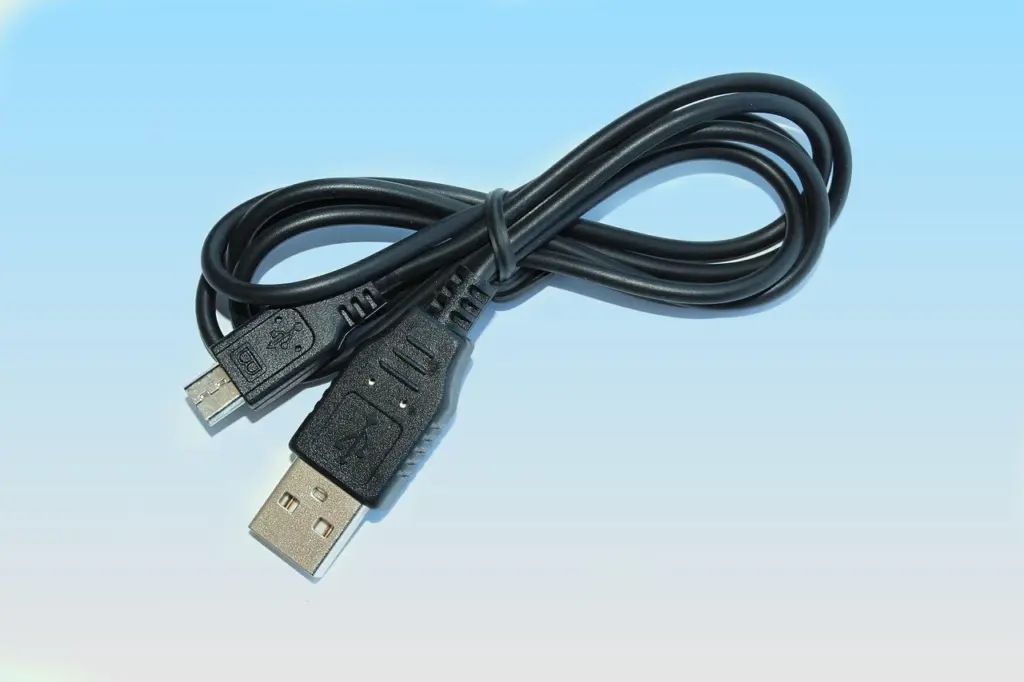
MIDI data reaches instruments through several kinds of connection. Loopcloud says MIDI can use 5-pin DIN cables, USB cables, wireless or networked connections. For most people today, a keyboard or controller plugged into a computer over USB is the simplest route, and the DAW then records what you play as MIDI.
Where you will meet MIDI files
The Library of Congress notes that General MIDI data is placed in numerous types of files, including game and specialized device files. In practice you will most often handle MIDI as a way to sketch parts, move arrangements between programs and drive virtual instruments in a DAW. Because the notes are separate from the sound, you can change the instrument at any stage without replaying a part.
MIDI also pairs naturally with step-based tools. For a closer look at how sequenced note data is programmed and played back, read Sequencers Unlocked: What a Music Sequencer Is, How It Works, and How To Use One In 2026 – Soniqcast. For a tool that shapes sound rather than notes, see What Is a Vocoder? A Clear, Practical Guide to How Vocoders Work and How to Use Them in 2026 – Soniqcast.
Frequently asked questions
What does MIDI stand for?
MIDI stands for Musical Instrument Digital Interface, as the Library of Congress format description states.
How can I tell a file is a Standard MIDI File?
Its header begins with the signature MThd, which is hex 4D 54 68 64. That check works even when a file has lost its usual extension.
Is General MIDI the same as MIDI?
No. MIDI is the underlying system for performance data; General MIDI (and GM2) is an addition that helps MIDI file playback behave more predictably across devices.
What value ranges does the original MIDI protocol use?
Loopcloud describes the original protocol as having 128 note values and 127 values for velocity.



Leave a Reply