
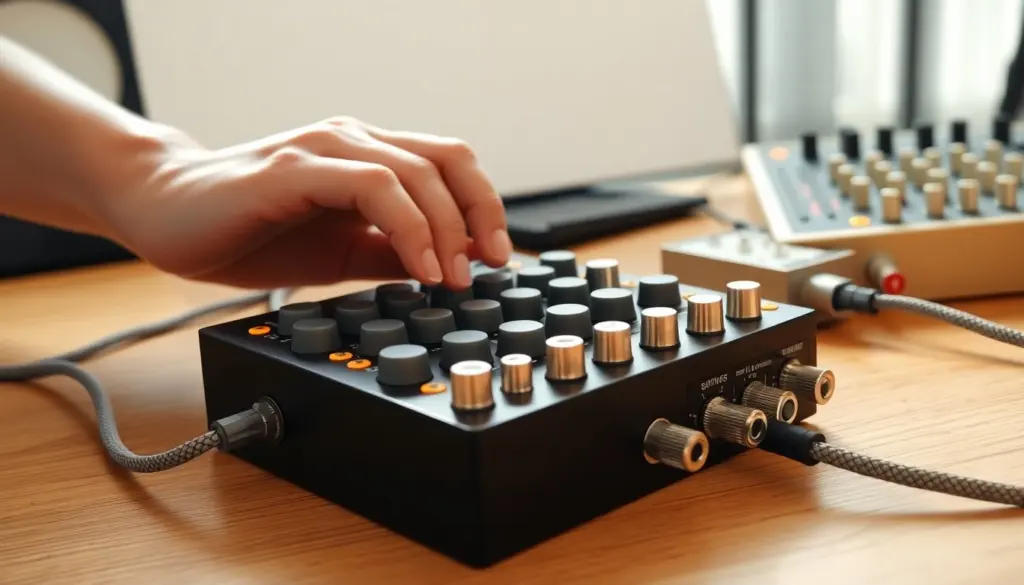
A sequencer in music arranges and automates musical events, notes, controller data, and tempo, so a musician can build patterns, repeat phrases, and assemble full tracks without playing every part live. Sequencers range from simple step-based devices to complex software DAW features, and they’re central to electronic, pop, and hybrid studio workflows. Below are quick facts to orient a reader new to the concept.
Key Takeaways
- A sequencer in music automates and arranges MIDI notes and events, enabling musicians to build patterns and entire tracks without live performance.
- Sequencers come in hardware, software, and hybrid forms, each suited to different workflows like live performance, studio production, or modular setups.
- Core sequencer functions include inputting musical data, editing with quantization and automation, creating repeatable patterns, and arranging these into full compositions.
- Choosing the right sequencer depends on your main use—hardware for tactile control and live use, software for deep editing and recalls, and hybrid for flexibility.
- Practical tips include starting with short loops, using velocity and control changes for expression, color-coding patterns, and maintaining reliable synchronization to avoid timing issues.
- Sequencers are distinct from DAWs but are often integrated; they can be simple to start with and offer expressive control to keep music from sounding robotic.
What Is A Sequencer? A Clear Definition And Core Functions
A sequencer is a tool that records, arranges, and plays back musical information, typically MIDI notes, tempo changes, and automation, on a timeline or grid. At its core it handles three functions: capturing musical events, storing them as repeatable patterns, and sending those events to sound sources (synths, samplers, virtual instruments). Musicians use sequencers to create loops, run arpeggios, launch scenes, or program entire arrangements.
Sequencers come with workflow features that matter in practice: quantization and swing for timing, step editing for precise pattern creation, and tempo/meter control for structuring songs. They often support layering (multiple tracks or lanes), MIDI CC for expressive control, and clip/scene launching for live performance. In short, a sequencer translates musical ideas into timed instructions so sound sources can reproduce them consistently.
Types Of Sequencers: Hardware, Software, And Hybrid Options
Sequencers exist as three practical categories, each with trade-offs:
- Hardware sequencers: Standalone boxes or integrated in synths and grooveboxes. They offer tactile control, stable timing, and often hands-on pattern creation. Hardware is valued for immediacy and live performance, think dedicated step keys, knobs, and CV/gate outputs for modular rigs.
- Software sequencers: Built into DAWs or as standalone apps. They provide deep editing, automation lanes, and integration with virtual instruments. Software excels at complex arrangements, easy recall, and visual editing: it’s the default for in-studio production.
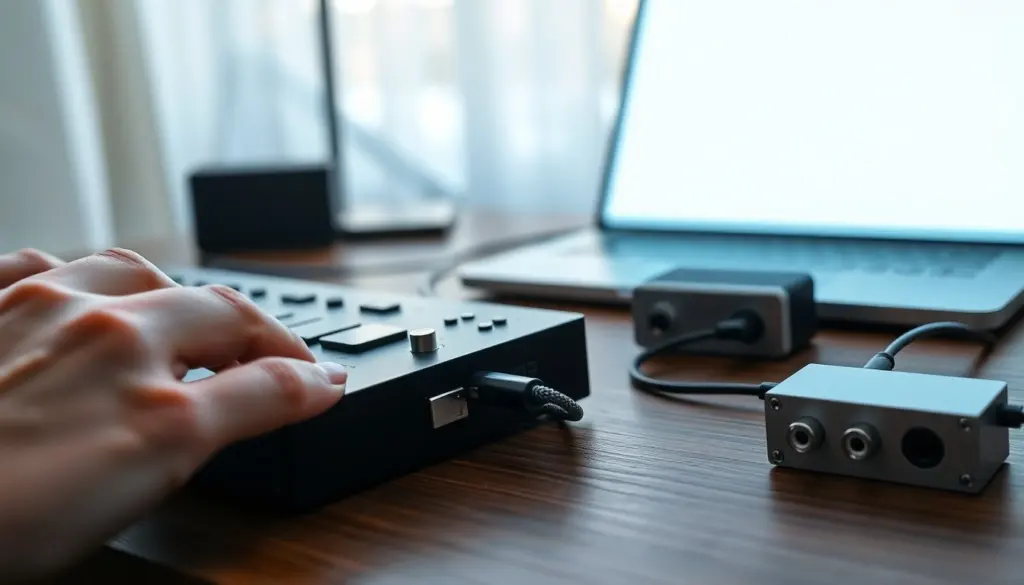
- Hybrid sequencers: Combine hardware controls with software flexibility (patterns in hardware that sync to a DAW, or controllers that map to clip-launching software). Hybrids aim to get the best of both worlds: hands-on playability plus powerful editing.
Choosing among them depends on workflow: hardware for performance and immediacy, software for arrangement depth and recall, hybrid for a balanced studio/live setup.
How Sequencers Work: Steps From Notes To Patterns To Arrangements
Sequencers convert musical intent into timed events through a sequence of stages: input, editing, pattern management, and playback. Below are the typical steps in that process.
- Input: Notes and controls are entered by recording performance (MIDI input), step entry, or drawing notes in a grid. Many sequencers accept external clock and sync signals to stay in time with other gear.
- Editing: Users quantize, change velocities, add automation (filter sweeps, volume fades), and set swing. Editing can be grid-based for precision or freeform for human feel.
- Pattern creation: Sequences are grouped into patterns or clips, short, loopable phrases that can be chained. Patterns often include length, loop points, and probability settings for variation.
- Arrangement: Patterns are placed on a timeline or launched as scenes to structure a song. Modern sequencers let a user map patterns to song sections, assign scenes to hardware buttons, and automate transitions.
Beyond basic steps, sequencers may add features like generative algorithms, Euclidean rhythms, or probability-driven note triggering for evolving textures. They can also output MIDI CC and SysEx for deep synth control, or CV/gate for analog modular systems.
Choosing And Using A Sequencer: Practical Workflow Tips And Common Use Cases
When selecting a sequencer, match the tool to the main use case: live performance, beat production, or detailed studio arrangement.
- For live looping and improvisation, prioritize tactile controls, low-latency clocking, and reliable pattern switching. Hardware grooveboxes and clip-launching controllers excel here.
- For composition and sound design, favor software DAWs with deep automation, multiple lanes, and easy saving/recall. Software is also better when working with numerous virtual instruments.
- For modular and hybrid setups, ensure the sequencer offers CV/gate outputs and flexible sync options.
Practical tips for daily use:
- Start with short patterns (1–4 bars) and build arrangements by chaining them: that keeps ideas modular.
- Use velocity and CC lanes to add expression, static note lists feel robotic without dynamics.
- Name and color-code patterns or clips for quick recall during live sets.
- Keep a reliable sync strategy (MIDI clock or Ableton Link) when combining multiple devices to avoid timing drift.
Common mistakes: overcomplicating patterns early, neglecting swing/timing, and forgetting to save pattern banks. Avoid these by iterating: create a simple loop, then add automation and structure gradually.
Typical use cases include electronic beat making, backing tracks for performers, modular sequencing, and rapid prototyping of song ideas. A sequencer’s real value is that it turns repeatable musical patterns into building blocks, freeing a musician to focus on arrangement and sound.
FAQ
Q: Can a sequencer play audio clips or only MIDI?
A: Many software sequencers handle both MIDI and audio clips: hardware sequencers vary, some play samples, others focus on MIDI/CV.
Q: Is a sequencer the same as a DAW?
A: No. A DAW is a full production environment that usually includes a sequencer. A sequencer can be a standalone device or an app focused on event timing and pattern control.
Q: Will using a sequencer make music sound robotic?
A: Not if expressive controls are used, velocity variations, timing adjustments, and humanized swing maintain a natural feel.
Q: Do sequencers require deep tech knowledge to start?
A: No. Basic step sequencing is straightforward: more advanced features can be learned with hands-on practice and incremental experimentation.
Frequently Asked Questions about Music Sequencers
What is a sequencer in music and how does it work?
A music sequencer records, arranges, and plays back musical events like MIDI notes and tempo changes on a timeline, allowing musicians to create patterns and full tracks without playing every part live.
What types of sequencers are available and which should I choose?
Sequencers come as hardware, software, and hybrid types. Hardware suits live performance, software excels in studio arrangements, and hybrids offer hands-on control with flexible editing. Choose based on your workflow needs.
Can sequencers handle both MIDI and audio clips?
Many software sequencers support both MIDI and audio clips, while hardware sequencers vary—some play samples, but most focus on MIDI or CV signals.
Will using a sequencer make my music sound robotic?
No. Sequencers allow expressive controls like velocity variation, swing, and automation, which help maintain a natural, dynamic feel in the music.
How do I start using a sequencer if I have little technical knowledge?
Basic step sequencing is straightforward and user-friendly. Start simple with short loops, then gradually explore features like automation and pattern chaining as you gain experience.
Leave a Reply