
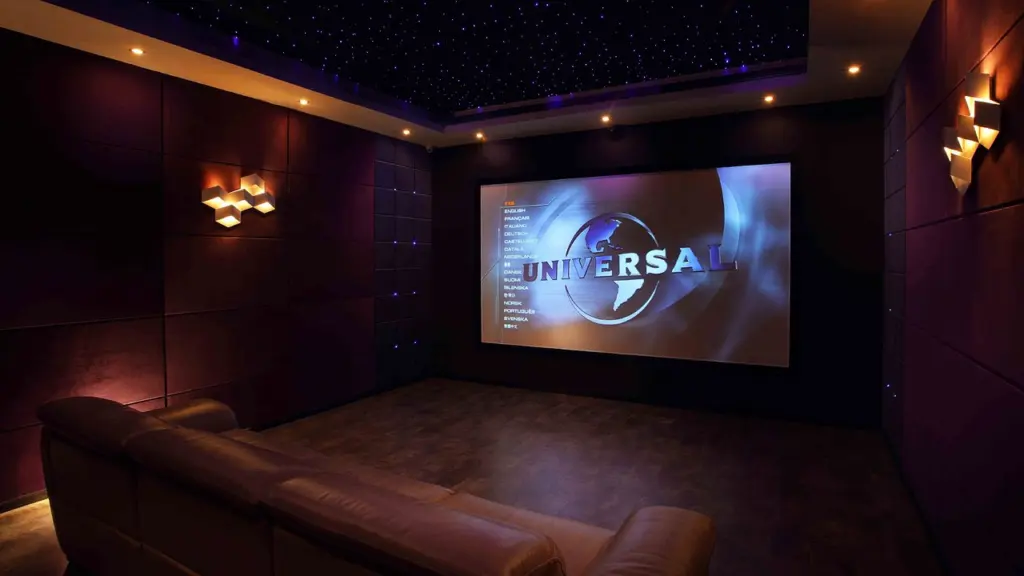
Projector vs TV for home theater comes down to room light and screen size: a projector gives the bigger image where you can control light, while a TV wins in bright or mixed-use rooms and needs less extra equipment.
Picture and sound are one decision, so read this comparison alongside our guide to home theater sound system setup, which covers the speaker side in more depth.
Screen size: how each display is made
The core difference is how the image is produced. A TV is a fixed panel, so its size is set at purchase, and consumer TVs top out at roughly 85–100 inches. A projector throws light onto a wall or screen, so image size is adjustable. With the right setup you may be able to move from an 80-inch image to 100, 120, 150 inches or beyond, depending on the projector, lens, room and throw distance. Most home theater projectors produce images between 100 and 150 inches, and some exceed 200 inches.
The size gap shows up as image area. A 120-inch screen still provides roughly 44% more surface area than a 100-inch TV. That is a clear gain in picture, and it is the strongest argument for a projector.
The implication is simple. If you want an image larger than the biggest TV, a projector is the only route. If you would be happy at TV sizes, screen size is not a reason to take on a projector’s extra setup, because the larger image only pays off when the room can support it.
Brightness, HDR and room light
Why TVs are brighter
Because of their LED or OLED screens, TVs create a much brighter image than most projectors. An OLED TV is one of the panel types behind that advantage. Spec sheets also use different units: brightness is measured in lumens for projectors and nits for TVs. Compare projectors with projectors by lumens and TVs with TVs by nits, rather than reading one number against the other.
What that means for HDR
HDR content depends on bright highlights. Televisions can deliver very bright highlights directly from the display panel, while a projector has to spread its light across a large screen. HDR is where the TV’s brightness advantage is most useful, and a projector’s larger image does not make up for it in a lit room.
Which is better in a bright room
A TV. Projectors shine in open or dedicated spaces where you can control lighting and seating layout, whereas TVs suit smaller or mixed rooms. If movie night happens in a living room with daylight or lamps you cannot switch off, choose the TV. If you can darken the room reliably, the projector’s size advantage becomes usable.
Projector and TV compared at a glance
| Factor | Projector | TV | Planning use |
|---|---|---|---|
| Image size | 100 to 150 inches typical; some exceed 200 inches | Up to 85–100 inches in the consumer market | Choose a projector only if you want more than TV sizes allow. |
| Brightness | Rated in lumens; generally dimmer than a TV | Rated in nits; much brighter than most projectors | Do not compare the two units directly; judge by room light. |
| Best room | Open or dedicated spaces where lighting and seating can be controlled | Smaller or mixed-use rooms | Match the display to how dark the room can reliably get. |
Size and room guidance comes from a home theater display comparison, and the brightness comparison from an AV retailer’s projector-versus-TV guide.
Placing a projector: throw distance and mounting
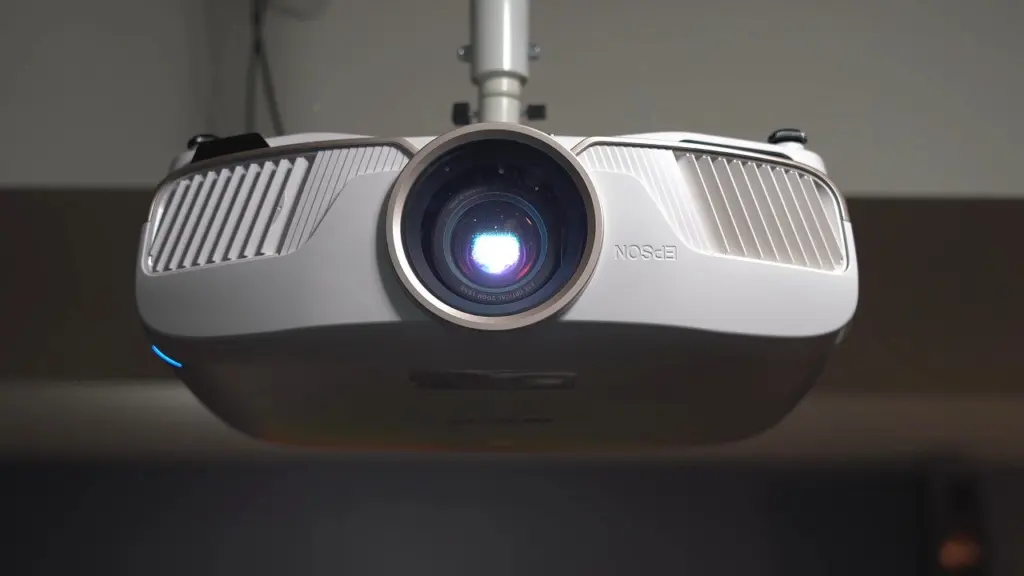
A TV only needs wall space. A projector needs a surface and a correct distance from it, so plan the room before you shop. Work through these steps in order:
- Choose the image size. Decide how large the picture should be before looking at models, since every later measurement follows from it.
- Measure the wall width. A 120-inch screen is about 8.72 feet wide, so confirm the wall and any furniture can accommodate that width.
- Check the throw ratio. A projector with a 1.2–1.5 throw ratio needs roughly 10.5–13.1 feet of space for a 120-inch screen. Look up the specific model’s throw ratio rather than assuming it.
- Fix the projector position. Once the distance is known, decide whether a shelf or a ceiling mount puts the unit at the right spot relative to the screen and seating.
If the room cannot give you that distance, a smaller image or a TV is the safer choice. Image size depends on the projector, lens, room and throw distance together, so changing one of them changes what the others can do.
Sound: what each display leaves to you
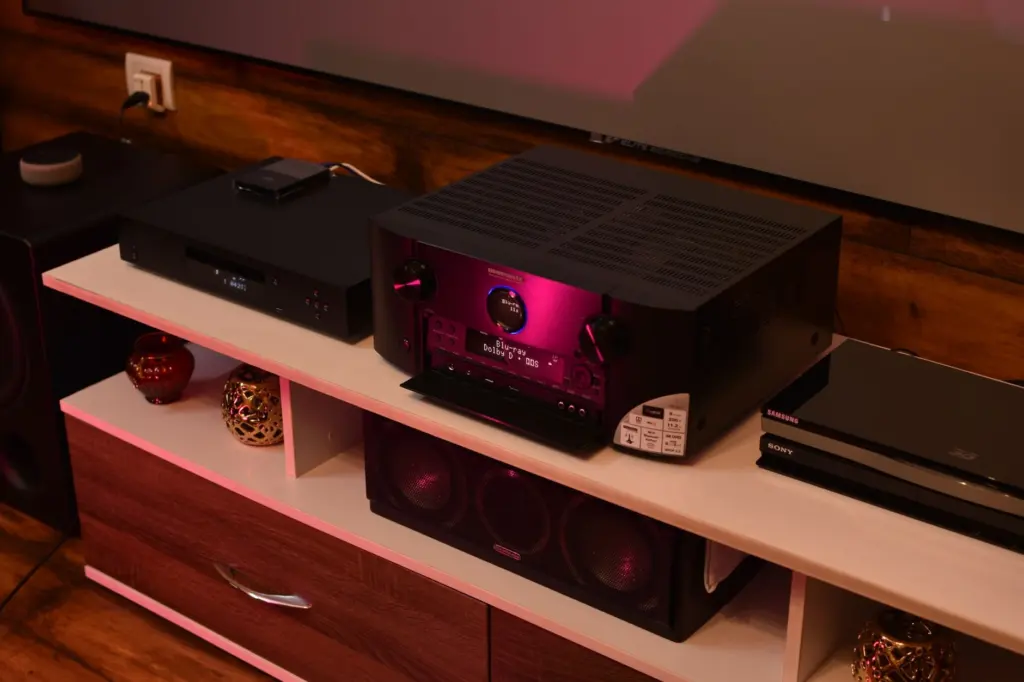
Neither option solves audio on its own. Even premium TV models cannot match the depth, directionality and richness of a dedicated home theater sound system. Projectors start from a lower baseline: built-in projector speakers work for basic viewing, but they rarely match a full speaker system. For a real movie night, plan external audio with either display, and treat it as part of the cost of the setup.
The sensible route depends on the room. A TV in a mixed-use room pairs naturally with a soundbar, and our Best TV Soundbar 2026: Top Picks, How To Choose, And Get Better TV Sound Today – Soniqcast guide covers what to look for. A projector in a dedicated room suits an AV receiver with separate speakers, because that is the setup that can match a large image. If you route sound through the TV to a soundbar, our explainer on hdmi arc vs earc shows what the connection means for the sound you get.
Choosing between them
Start with the room, then the budget for sound, and only then the size you want. These situations separate the two choices:
- Choose a projector if you have a dedicated or easily darkened room, want an image beyond TV sizes and can place the unit at the right throw distance. Laser light sources can last a long time: Epson rates the LS12000 laser light source for up to 20,000 hours. That is one manufacturer’s rating for one model, not a promise for every projector, so check the rating for the unit you are considering.
- Choose a TV if the room has daylight or lamps you cannot turn off, doubles as a living space, or is smaller than a projector throw needs. You get brighter images, strong HDR highlights and no throw-distance planning.
- Budget for audio either way. A TV with a soundbar is the simplest step up, and a projector with a speaker system is the fuller one.
So is a projector better than a TV? It is better at scale, in a room where light can be controlled, and a TV is better at everything that depends on brightness. Neither wins outright, and the room usually decides.
Frequently asked questions
Do I need an AV receiver with a TV?
No. With a TV, devices plug straight into the TV, and its speakers may be enough for casual use. An AV receiver becomes worthwhile when you want a full speaker system.
Can a projector connect to a soundbar or AV receiver?
Yes. Many projectors have audio output ports, HDMI ARC or Bluetooth for connecting to soundbars and receivers. Confirm which of these your model offers before choosing speakers.
What should I check before buying for gaming?
Check the input lag and refresh rate of the display before buying. Many TVs support 4K at 120Hz, so compare a projector’s specification against that if you play on a console.


Leave a Reply