
| Decision | Supported detail | Planning use |
|---|---|---|
| Main speaker height | Installed at or slightly above ear level | Mark the height from your main seat before you choose a wall position. |
| Surround position | Side walls, 0.6 m to 1.8 m (2 to 6 ft) behind the listening position | Pick side walls beside or just behind the sofa rather than the rear wall. |
| Surround mounting height | 1.5 m to 2.1 m (5 to 7 ft) from the floor | Use this as the working window, then check it against doors, shelving and furniture. |
| Corner clearance | At least 0.6 m (2 ft) from the perpendicular wall | Rule out spots tight against a corner to avoid corner reflections. |
| Power | External amplifier or AV receiver required | Budget for the amplifier and cable runs as part of the speaker cost. |
| Cut-out and depth | Monitor Audio C1S: 171 mm diameter cut-out, 99 mm mounting depth | Confirm the wall cavity is deep enough before you buy any model. |
Placement figures come from Sonos guidance on in-wall speakers, and the cut-out example comes from Monitor Audio’s in-wall range.
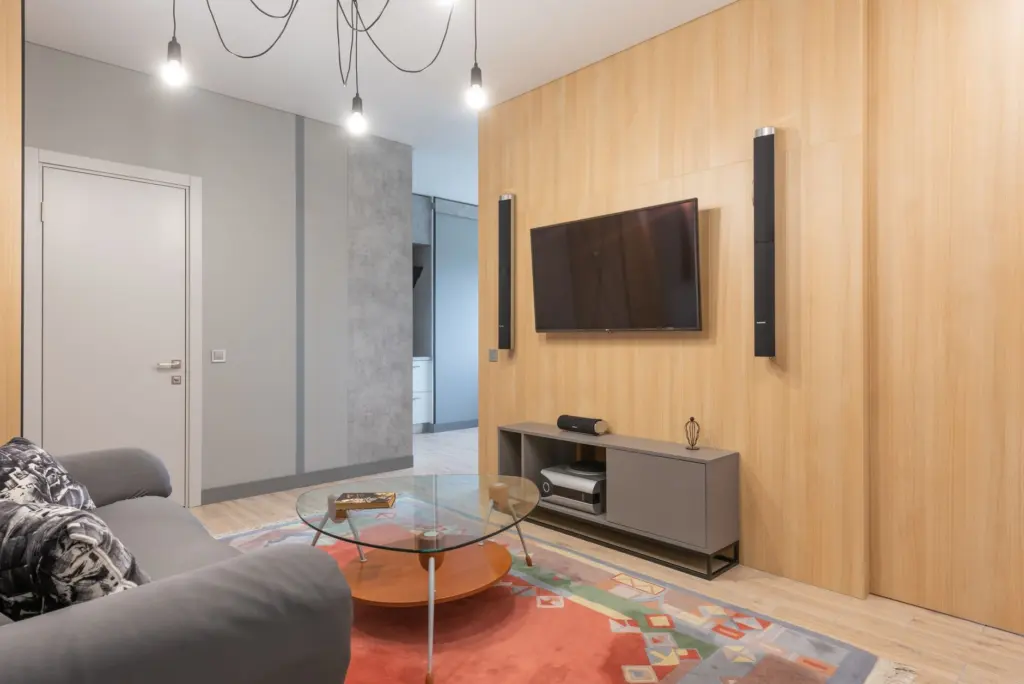
In wall speakers for home theater work well when you want a clean look and surround or music duty, provided you add an external amplifier or AV receiver and plan placement and cable runs before cutting.
For the full room plan around these speakers, start with our home theater sound system setup guide, then use the sections below to decide on size, position and installation.
What in-wall speakers change in a home theater
In-wall speakers trade flexibility for a cleaner room. Once the cuts are made and the cable is hidden, no cabinets or stands remain, and the screen and seating become the focus.
Definitive Technology says in-wall speakers deliver sound without the visual intrusion of freestanding speakers. Monitor Audio makes the same point, describing its in-wall range as built to integrate directly into walls as a sleek, seamless solution.
So are in-wall speakers good for home theater? Yes, for the right buyer. Sonos says they can sound great as a standalone speaker solution for both music and home theater. The real question is whether you can commit to the wall.
- Best suited to: owners who plan to stay put. Sonos says installing architectural speakers can be well worth the investment for homeowners, who may not need to reinstall them.
- Poor fit for: renters and anyone who rearranges the room often. Moving in-wall speakers is likely to bring additional costs for removal, repair and reinstallation.
- Worth checking before you buy: the manufacturer’s warranty. Definitive Technology, for one, backs its passive loudspeakers and accessories with a five-year warranty.
These consequences should shape your choices on position and model, which come next.
Placement for front and surround channels
Placement decides whether in-wall speakers sound convincing, because you cannot nudge them later without repairing the wall. Sonos says in-wall speakers are generally installed at or slightly above ear level, so start from where your head sits when seated.
Surround speakers
For surround channels, Sonos recommends the side walls, 0.6 m to 1.8 m (2 to 6 ft) behind the desired listening position. It gives a mounting height of 1.5 m to 2.1 m (5 to 7 ft) from the floor. Treat both as ranges to work within, not single targets. If a doorway or window falls in the range, shift along the wall rather than changing the height.
Sonos also advises leaving at least 0.6 m (2 ft) between the speaker and the perpendicular wall to avoid corner reflections. A seat pushed into a corner makes that clearance hard to achieve, so settle the seating layout before you mark any positions.
Front channels and soundbar pairings
You do not have to put every channel in the wall. In a Sonos setup, in-wall speakers cover the rear and surround channels while a soundbar covers the front. That suits a room where a television sits on a stand and only the sides need discreet speakers. If you are weighing soundbar surround layouts first, 3.1 Vs 5.1 Soundbars: Which Surround Setup Gives You the Best Home Theater Experience in 2026? – Soniqcast compares the options.
For immersive layouts, How Spatial Audio Works: The Beginner’s Guide To 3D Sound In 2026 – Soniqcast explains how spatial sound is built, which helps you decide whether extra channels are worth the extra cuts.
Sizing and choosing models
Driver size and cut-out size are linked, and the cut-out is the figure that affects your wall. Manufacturers publish it for each model, so check it against the room before you commit.
Monitor Audio’s in-wall range shows how far the dimensions vary. Its published figures include:
- C1S: a 5-inch driver, 171 mm diameter cut-out, 99 mm mounting depth and 50 W RMS power handling. It suits compact rooms or secondary channels.
- C1L: a 9-inch driver, 248 mm diameter cut-out, 99 mm mounting depth and 75 W RMS. It is a bigger hole for a larger driver, so check the wall face for space.
- W1L: a rectangular cut-out with 85 mm mounting depth and 100 W RMS. It takes a long run of wall.
- Platinum In-Wall 3G: a cut-out of 300 mm wide by 1175 mm high and 97.5 mm mounting depth. It is a statement install, not a casual one.
The figures are on Monitor Audio’s in-wall speaker page. Note that depth stays close to the same across these very different shapes, so the wall cavity is a common constraint for every model.
Brands also differ in how many sizes they offer. Sewell’s Pro Maestro line comes in 3 sizes: 5 1/4 in, 6 1/2 in, 8 in. Definitive Technology lists its Dymension DW-65 PRO with a 6.5-inch driver at US$379 and the DW-80 PRO with an 8.0-inch driver at US$479. In these examples the larger driver costs more, which is a reasonable trade for a main-channel speaker but unnecessary for a surround that only fills in the sides.
Sewell also says its in-wall speakers feature 0 dB, -3 dB and -6 dB filters. When you compare models, look for this kind of adjustment, which lets you balance the speaker against the room.
Power, receivers and concealed wiring
In-wall speakers are passive, so they make no sound until something powers them. Sonos states that you need an external speaker amplifier or AV receiver to power them. If your existing AV receiver has spare speaker outputs, it can drive them. Otherwise add a separate amplifier.
The cable is the other half of the clean look. Sonos describes the job as cutting holes in the walls for the speakers, then running speaker cable from each speaker to the amplifier. Plan each run from the amplifier location to every speaker before you cut anything, so the wire follows the shortest hidden route and leaves no exposed wire along the floor.
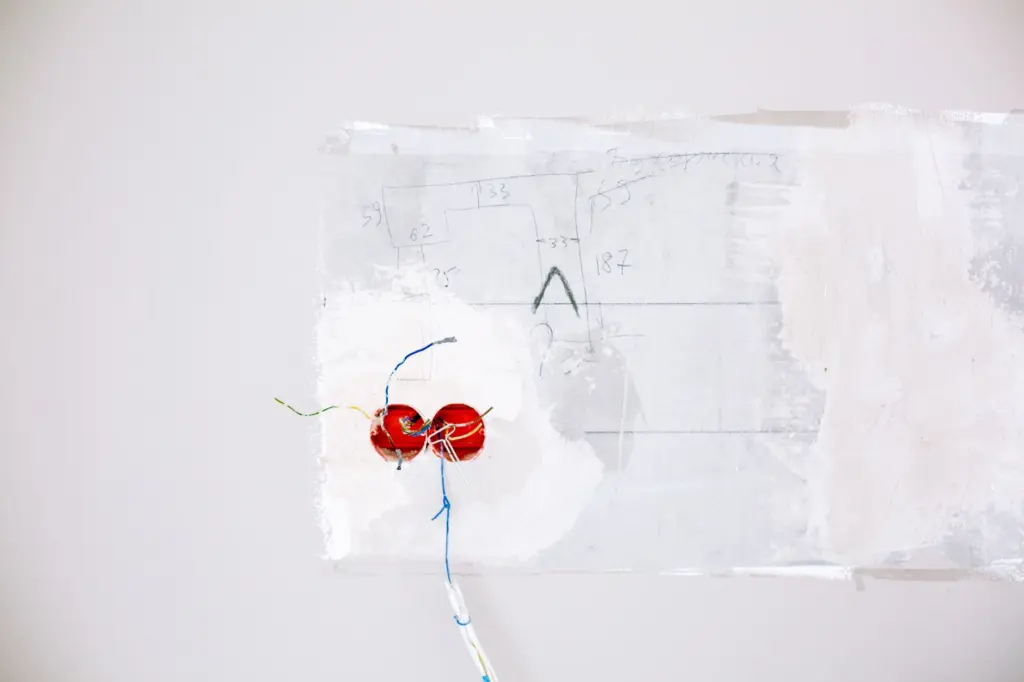
Check the wall cavity against the model’s mounting depth, as the Monitor Audio figures above show. A cavity that is too shallow rules the model out, however good it looks on paper.
Installing in drywall
Installation is a measured job, not a rushed one, and Sonos notes a professional installer is often advised. If you do it yourself, work in a fixed order and stop at each checkpoint.
- Choose and mark the position. Use the placement ranges above and the model’s published cut-out size.
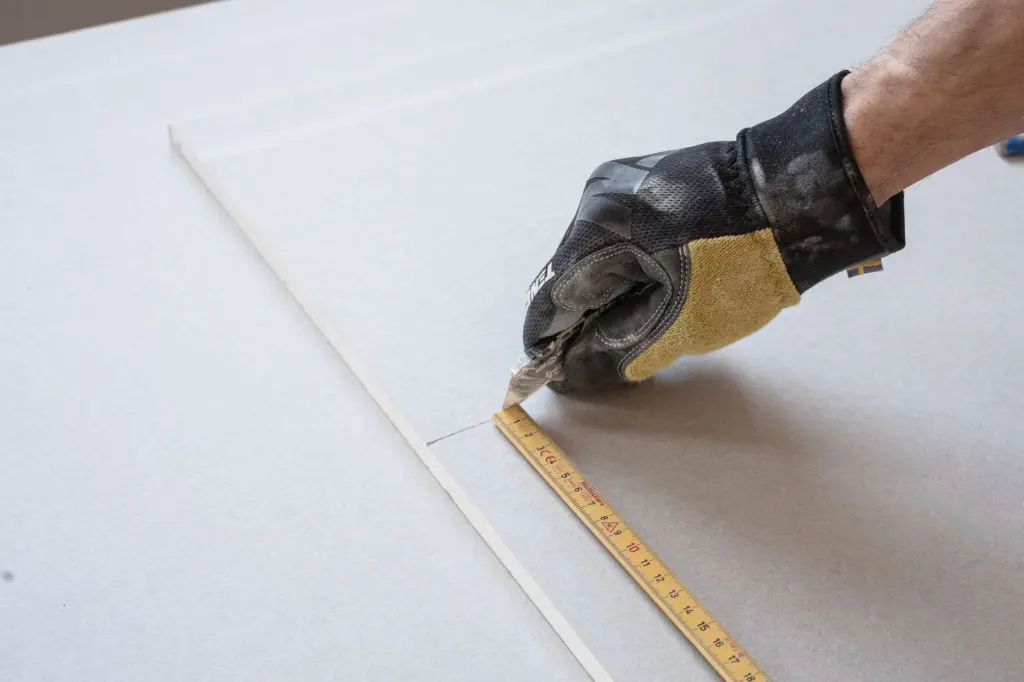
- Check for studs. Sewell describes cutting a hole in standard sheetrock with an inch of free space between the edge of the hole and any stud.
- Cut the opening. Cut to the size the manufacturer states for that model, not a rough guess.
- Run the cable. Take the speaker cable from the opening to the amplifier or receiver before fixing the speaker.
- Secure the speaker. Sewell says its in-wall speaker needs 6 screws on the front face to hold it to the wall. Other models fix differently, so follow the manual.
- Fit the grille. Finish the visible surface last.
The grille is where the clean look is won or lost. Sonos says its grilles are attached magnetically and completely cover the exposed speaker frame. You can remove the grille, prime and paint it to match the wall, then reinstall it. Paint the grille off the wall so the finish does not clog the speaker.
Frequently asked questions
Is one pair of in-wall speakers enough for surround channels?
Yes, for the surround channels. Sonos says a single pair of in-wall speakers should suffice for the left and right surround channels in a 5.1 or 7.1 setup.
How many in-wall speakers can one Sonos amplifier run?
Sonos says its Amp can reliably power up to six total Sonos Architectural speakers. Its overdrive protection covers up to three pairs of Sonos passive speakers, so check the limits of any other amplifier you use.
Can I mix different speaker types on one amplifier?
You can, but Sonos says Trueplay tuning only works if all of the speakers connected to Amp are of the same type. Matching the speaker type avoids losing that tuning.
What does a typical in-wall speaker warranty look like?
It varies by brand. Definitive Technology, for example, states a five-year warranty on its passive loudspeakers and accessories. Check the terms before buying.


Leave a Reply