
Starting a solo show with a laptop and a quiet room? Podcast equipment for beginners can stay simple: a USB microphone, headphones and a free recording app, with an audio interface added only when you need XLR microphones or more speakers.
Your first decision is how many people talk and where they sit, not which brand to buy. Each route below ends in a short shopping list, and the sections after the comparison table cover microphones, interfaces, accessories, software and hosting. The Audio Equipment Buying Guide is the parent guide for the wider microphone and interface picture. For a shorter checklist, read what equipment do you need to start a podcast.
Pick your starting route
Match your situation to one route, buy only what that route needs, and treat everything else as a later upgrade. Gear is rarely what stops a new show. Buying for a setup you do not have yet is the more common problem.
Route A: solo host on one computer
Choose a USB microphone, headphones and a free recording app. Riverside’s podcast equipment guide lists a USB microphone, headphones and, for video, a camera as the basic beginner kit. Bajaao’s podcasting guide adds that USB microphones are made to work with a computer directly, so no extra box sits between you and the software.
On cost, The Podcast Consultant says beginner setups cost under $150 using a dynamic USB microphone such as the Samson Q2U at $70. This route suits anyone who wants to record soon and is not yet sure the show will continue. If money is the tightest limit, the cheap podcast setup page narrows the choices further.
Route B: solo host who expects to grow
Start with a microphone that has both connections, then move to XLR when you reach a real limit. The Podcast Consultant describes the Samson Q2U as a USB/XLR hybrid with everything included in the box. You can plug it straight into the computer now and run it through an interface or mixer later without replacing the microphone.
Riverside’s guide places an audio interface, mixer and XLR microphone in the more advanced setup. Wait for that step until the simpler chain is holding you back. A new interface will not fix a noisy room.
Route C: co-hosts in the same room
Count the voices first, because the interface decides everything else on this route. Wirecutter’s guide to starting a podcast for free says a USB interface should have as many microphone inputs as you have people talking: two people need two inputs, and four people need four. Buy for the number of chairs you actually plan to fill. Compare candidates on the best audio interface for podcasting page and keep one input in reserve only if a regular guest is likely.
Route D: remote guests
Record guests with a service that, in Wirecutter’s wording, records each person locally on their own computer or mobile device. That way each person is captured at their own end of the conversation. Your own microphone and headphones stay the same as in Route A or B. The remote-specific decisions are covered in how to record a podcast remotely.
Route E: phone-first or video
If your phone is the only recorder you have, how to record a podcast on your phone explains how to get a usable result before you buy anything. If you plan to film episodes, a camera is the one addition Riverside names for video. The video podcast setup page covers audio, camera and lighting together, so the picture does not compromise the sound.
Starter kit and typical costs
A beginner kit costs far less than most people expect, and the price steps up mainly when you add an interface or mixer. The table below sets out three budget tiers from The Podcast Consultant, with the typical total, the named microphone and headphones, and the interface or mixer that tier uses.
| Tier and typical total | Microphone | Headphones | Interface or mixer | Planning use |
|---|---|---|---|---|
| Starter, $100-$200 (about $150) | Samson Q2U ($70) | Audio-Technica ATH-M20x ($49) | None (USB direct) | Solo hosts on Route A or B who want the fewest parts |
| Mid-range, $300-$600 (about $450) | RODE PodMic, $99 | Sennheiser HD 280 PRO, $99 | Zoom PodTrak P4, $149 | Co-hosts or anyone moving to XLR on Route C |
| Professional, $1,000-$2,500 (about $1,500) | Shure MV7X, $180 | Sennheiser HD 660S2, $500 | RODECaster Pro 2, $699 | Established shows where audio quality is part of the product |
These figures come from The Podcast Consultant’s podcast equipment guide; the tier totals are typical spend, not targets.
The same guide gives typical US price ranges as of October 2026: $60-$180 for a microphone, $49-$500 for headphones and $150-$700 for an interface or mixer. Ready-made bundles run from $80 to $911. Note how little the starter tier needs. Because it uses a USB microphone with no interface, its microphone and headphones come to well under the quoted tier total, which leaves room for a pop filter and a better chair.
Bundles can save shopping time when you do not want to match parts yourself. Compare the contents of any best podcast equipment bundle against the route you picked, and check that you are not paying for an interface a USB microphone makes unnecessary. The podcast starter kit page is a second place to compare complete packages.
Microphones: USB, XLR and hybrid
For most beginners, the best microphone for podcasting is a dynamic USB or hybrid model that plugs straight into a computer. XLR microphones make sense once you add an interface or mixer. The connection type decides what else you must buy, so settle that first.
- USB microphone: Bajaao says USB microphones are specifically made to operate with computers directly. This is the plug-and-play choice and the fastest way to a first recording.
- XLR microphone: Bajaao notes that high-end microphones are usually XLR and need an audio interface or mixer. Choose XLR when you want to add speakers, swap microphones over time or build toward a mixer-based setup.
- USB/XLR hybrid: The Samson Q2U at $70 is described by The Podcast Consultant as the best budget microphone, a hybrid with everything in the box. It suits anyone who cannot yet say whether the show will stay solo.
- Step-up pick: The same guide names the RODE PodMic as its best overall microphone, with broadcast-quality sound and built to last. It fits Route C or any show moving into the mid-range tier.
Those prices and verdicts come from The Podcast Consultant. Treat “best” as best for a given budget and setup, not a universal ranking.
Polar pattern matters more than the badge
Wirecutter says the microphone must have a cardioid or hypercardioid polar pattern. A hypercardioid microphone rejects more side and rear sound but is less forgiving of mouth position. If you tend to drift while talking, cardioid is the safer choice. Choose hypercardioid only if you can hold a steady position and your room has noises you want to push away.
Other microphone types
Wireless and lavalier-style microphones suit hosts who move around or record away from a desk, and they are covered on the best wireless microphone for podcasting page. For a head-to-head view of desk microphones at beginner prices, use best microphone for podcasting.
Audio interfaces and mixers
An audio interface converts the signal from a microphone into a format the computer can use. You need one only when your microphone is XLR or when you have more than one speaker to record. Bajaao calls this the core job of an interface or mixer.
Skip this purchase if you use a single USB microphone. The starter tier in The Podcast Consultant’s tiers lists no interface at all. Add one when you move to XLR, when a second host joins, or when you want a device that records on its own.
What to look for
- Input count: Match microphone inputs to the number of people talking, as Wirecutter advises.
- Standalone recording: The Zoom PodTrak P4 is picked as the best interface in The Podcast Consultant’s guide at $149, with four inputs and recording to an SD card. That suits a group that wants to record without tying up a computer.
- Price band: The same guide puts interfaces and mixers at $150-$700. The upper end buys more capability, which only pays off if you will use the extra channels.
Before pairing a microphone with an interface, read what is phantom power for microphones and check whether your choice needs it. Once the box arrives, How To Use An Audio Interface: A Practical Starter Guide For Faster, Cleaner Recordings – Soniqcast walks through setup.
Pop filters, headphones and positioning
A pop filter is the cheapest accessory that improves a recording, and headphones are the one accessory you cannot skip. Wirecutter encourages buying a low-cost pop filter if you are gearing up to record. It addresses plosives, the bursts of air from hard consonants that hit the microphone.
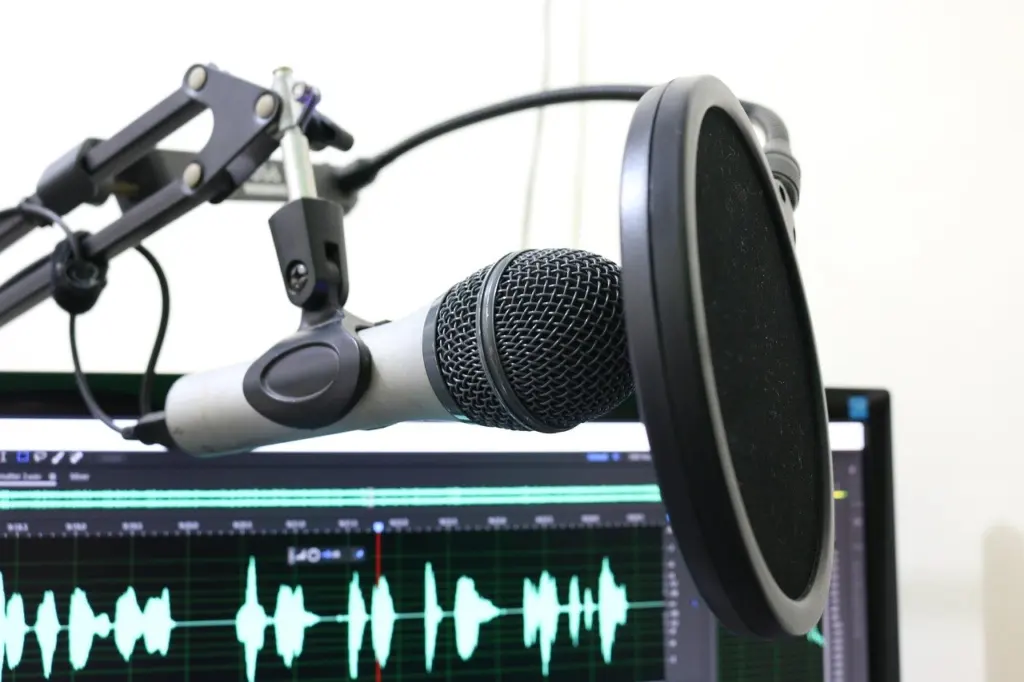
If you are weighing a foam windscreen against a mesh filter, pop filter vs windscreen compares the two for speech. Distance and angle matter as much as the accessory itself, and podcast microphone placement covers where to put the microphone and the filter.
Headphones
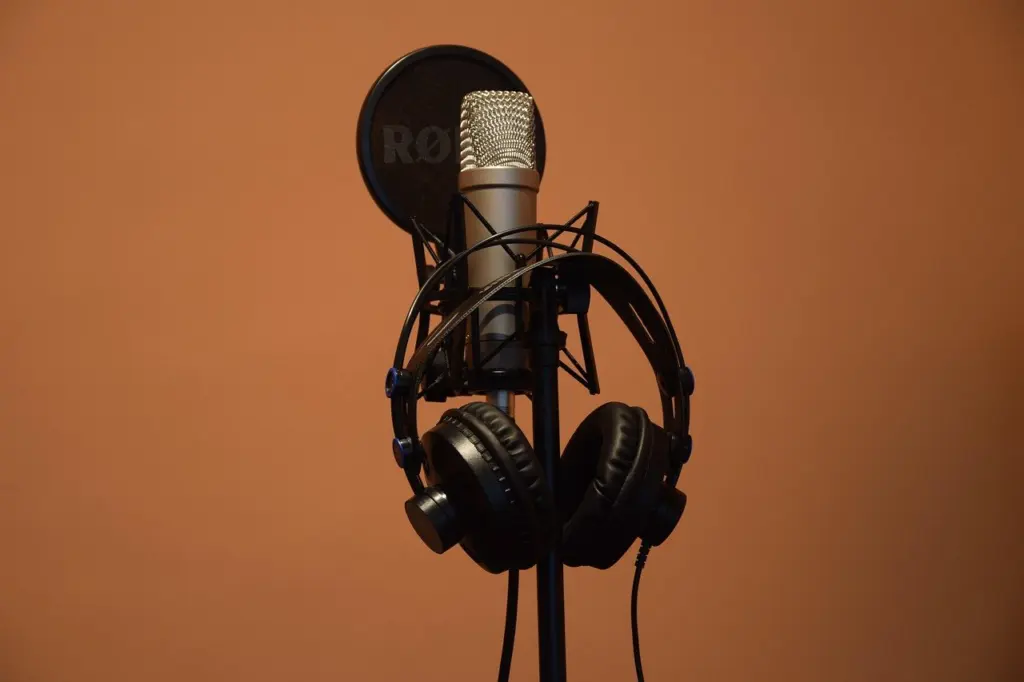
Wirecutter says it is easiest and usually best to use headphones, since they keep other speakers out of your microphone. Closed-back models or earbuds are the usual choices. The Podcast Consultant lists the Audio-Technica ATH-M20x at $49 for the starter tier and the Sennheiser HD 280 PRO at $99 for the mid-range, so headphone spending can stay modest. The wider range it quotes, $49-$500, shows how far the price can climb without changing the core job. For a closer comparison, see Best Headphones For Podcasts In 2026: Top Picks For Recording, Editing, And Listening – Soniqcast.
Recording clean audio at home
You record clean audio at home mostly by fixing the room, then by choosing the right microphone pattern and wearing headphones. The Podcast Consultant states that a quiet room with carpet, curtains and soft furniture will improve your audio more than any equipment upgrade. Treat the room as your first purchase, even if it costs nothing.
A recording checklist
- Pick the quietest room you have. Prefer one with carpet, curtains and soft furniture over a bare, hard-walled space.
- Use a cardioid or hypercardioid microphone. Choose cardioid if your position tends to shift, because Wirecutter notes hypercardioid is less forgiving of mouth position.
- Match inputs to speakers. One microphone input per person talking, as the interface guidance above says.
- Wear headphones. This keeps other voices from leaking into your microphone.
- Add a pop filter. Position it between your mouth and the microphone.
- Record a short test. Listen back through the headphones and adjust your position before the real episode.
- Record guests locally. For remote guests, use a service that captures each person on their own device.
This sequence reflects Wirecutter’s podcast setup advice on patterns, inputs, headphones and local recording, together with the room advice above. Notice that it contains no expensive step. If the result still sounds poor, change the room or the microphone position before buying a new device.
Recording and editing software
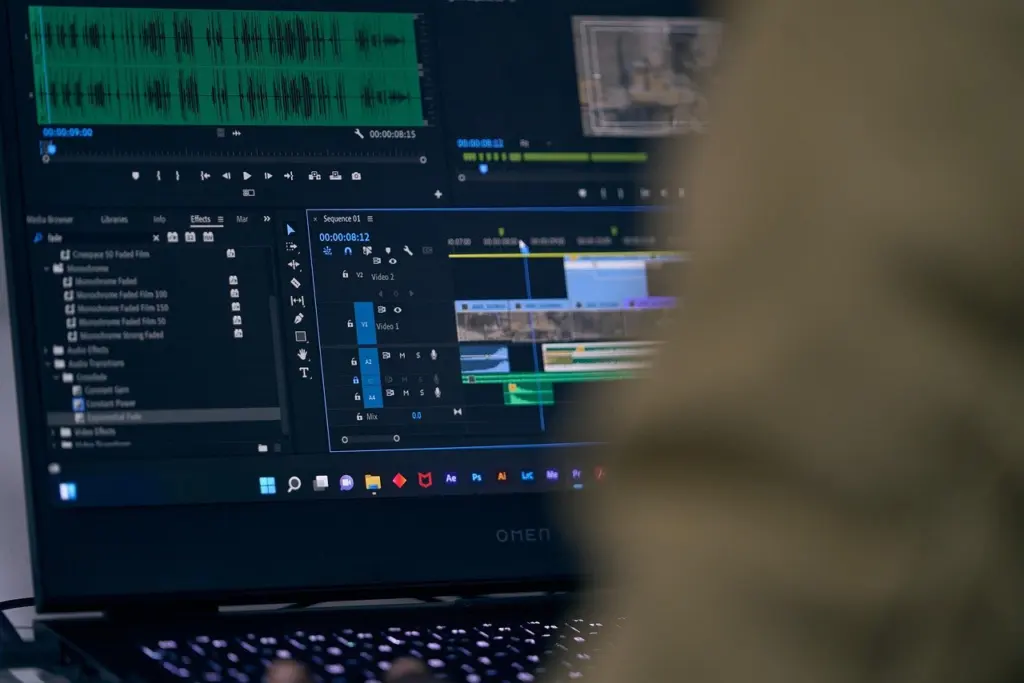
Start with a free recording app. Wirecutter says Audacity is a free recording app you can use, which keeps the software cost at nothing while you learn the basics. It handles recording and the straightforward editing most early episodes need: trimming the start and end and cutting mistakes.
When to move to a DAW
A digital audio workstation suits more advanced editing, but Wirecutter warns that the learning curve on DAW apps is steep and suggests planning on a few hours getting to know the software. That cost is worth paying when your editing outgrows basic cuts. It is not worth paying before you have published a first episode. Wirecutter also mentions Reaper licences in its cost comparison, so a paid DAW is a modest line item rather than a large one.
For a comparison across tools, including how they suit different recording routes, use best podcast recording software.
Publishing with a podcast hosting service
To publish a podcast, upload your episode audio to a hosting service and choose where it appears. Wirecutter explains that getting onto Apple Music, Spotify and other podcast apps requires a podcast-hosting service. The workflow is simple: upload an audio file of each episode to the host, then select the platforms.
Hosting options
- Dedicated hosts: Wirecutter names Blubrry, Buzzsprout, Hello Audio, Podbean and Spreaker as services that distribute to Apple Music and Spotify.
- Paid plans: A Podbean paid plan described by Wirecutter costs $14 per month or $108 per year. Read this as one example of what a paid tier may cost, not a quote for every host.
- YouTube: You can upload audio recordings directly to YouTube for free, but the upload needs a video element added to the audio.
Pick a host before your first episode is edited, so you know the file requirements and your publishing plan. The choice between hosts is mostly about the pricing tier you need and how easily the service sends your show to the apps your audience uses. Check the current plan details on the host’s own site before you commit.
Listening references and next steps
Before you record, it can help to hear finished shows in the format you want to make. Browse Best Podcasts for Men in 2026: A Curated Guide To Grow, Perform, and Enjoy Your Time – Soniqcast or The Best True Crime Podcasts of 2026: 10 Must-Listen Series for Every Type of Listener – Soniqcast for examples of how different genres sound. Then return to your route and buy only the kit it calls for.
Frequently asked questions
| Question | Answer |
|---|---|
| Can I publish a podcast for free? | Wirecutter says Buzzsprout and Podbean have free tiers, and YouTube accepts audio uploads for free once a video element is added. |
| Do I need a camera to start a podcast? | Only if you plan to publish video. Riverside lists a camera for video as an addition to the basic microphone and headphones kit. |
| Is a dedicated podcast recorder cheaper than an interface? | Usually not. Wirecutter says dedicated podcast recorders usually cost more than a two-channel USB interface and a Reaper licence. |
| Is the Samson Q2U a USB or an XLR microphone? | It is both. The Podcast Consultant describes it as a USB/XLR hybrid at $70. |

Leave a Reply