
Boosted the bass slider and got boom instead of depth? Here is what Hz is bass on equalizer displays: from about 20 Hz up to about 250 Hz, with sub-bass at about 20–60 Hz and the bass band at about 60–250 Hz.
Armada Music’s EQ basics draw the same lines. A muddy result often comes from too much boost, from energy sitting in the low mids, or from hardware that cannot play the band at all. Each cause is covered below, along with the common misunderstandings behind it.
Hardware sets the ceiling for low end. If your gear is the limit, the buying guide to the best headphones for music and other equipment is the place to start.
Bass bands on an equalizer
Hz measures frequency, and low frequencies vibrate slowly. Sonoro puts the range the human ear can perceive at around 20 Hz to 20,000 Hz, so bass occupies the very bottom of what you can hear. Most EQ labels place the sub-bass and bass bands inside the first few sliders of that range. The table separates what each band does from what people often assume about it.
| Band | Approximate range | Common misconception | What applies | Planning use |
|---|---|---|---|---|
| Sub-bass | About 20–60 Hz | More sub-bass always means more power. | Modest amounts add power; too much makes the low end muddy and undefined. | Boost gently, and only if the system can play this band. |
| Bass | About 60–250 Hz | A lot of bass makes a better mix. | Plenty of bass can sound nice but can overpower the rest of the mix. | Use this band for body and weight, and keep it in balance with the mids. |
| Low mids | From about 250 Hz; ends at about 500 Hz in iZotope’s usage and about 1500 Hz in Armada’s | Low mids count as bass, so boost them for weight. | The 200–300 Hz area can easily get bloated, and cutting some low mids helps. | Trim here before raising anything lower. |
Band edges come from Armada Music’s EQ basics, and the bloat range comes from iZotope’s guide to EQing bass; treat the edges as approximate markers, not walls.
iZotope adds that 20–160 Hz usually hosts the most low-end energy, with the fundamental body of bass sounds around 60–200 Hz. That is why a slider near 60 Hz and a slider near 200 Hz behave so differently. The first changes weight, and the second changes how full or cloudy the sound is.
Boosting bass without mud
The misunderstanding behind most muddy EQ settings is that more bass needs a bigger boost. Sonoro advises starting from a neutral, flat setting, and notes that a moderate bass boost adds body while overdoing it quickly turns the sound muddy and indistinct.
Cut first, then boost
IMG Stageline passes on a saying: cut before you boost. For bass, that means finding what is clouding the low end and lowering it before adding weight. iZotope notes that the 200–300 Hz area can easily get a little bloated, so cutting some low mids there can help. For a bass-heavy car setup, Elite Auto Gear suggests a slight cut at 250 Hz to avoid muddiness.
Keep each move small
Sonoro recommends working in increments of no more than 2–3 dB. IMG Stageline, writing about vocals, calls boosts of more than 5 dB dangerous. That is a ceiling from a vocal context, not a bass target. Small steps let you hear when a boost turns from fuller to cloudier.
Graphic or parametric controls
A graphic equalizer uses fixed bands. A parametric equalizer adds control over frequency and bandwidth, which makes it better for a targeted cut such as the low-mid trim above. Use a graphic EQ for broad shaping, and switch to parametric when one frequency is the problem.
Add definition higher up
If bass sounds weak but boosting the low end only adds boom, iZotope suggests a bell boost somewhere between 750 Hz and 2 kHz to bring out definition.
Sub-bass, speakers and the limits of EQ
A second misunderstanding is that EQ can create deep bass on any system. Sonoro says deep bass below 60 Hz should only be boosted with speakers that can reproduce those frequencies cleanly. It also says an equalizer cannot compensate for fundamental weaknesses in your audio system.
If small speakers cannot play that region, raising the sub-bass slider adds distortion or mud rather than depth. A subwoofer is the hardware route to that band, and the EQ then only shapes what the system can already play. Portable Bluetooth speakers face the same limit, so treat them with small moves only, and if you are packing one for a trip, Can You Bring a Bluetooth Speaker on a Plane? What Travelers Need to Know in 2026 – Soniqcast covers the travel side.
High-pass filters and what they remove
A high-pass filter cuts everything below the frequency you set. Armada Music notes that its slope cuts more per additional octave below the set frequency, so the further below the setting, the less gets through.
The misconception is that a high-pass filter removes bass. It removes only what lies below its setting. Placed under the lowest note you want, it clears unwanted low content. Placed too high, it thins the bass you were trying to shape. Set it by ear while the bass sound plays, and back it off if the weight disappears.
EQ starting points by playback system
The evidence supports a shared method and a few system-specific starting points. Match the system’s limits before you reach for a slider.
- Any system: Begin flat, move in small steps, and compare before and after. If the low end sounds worse after a boost, undo it rather than adding more elsewhere.
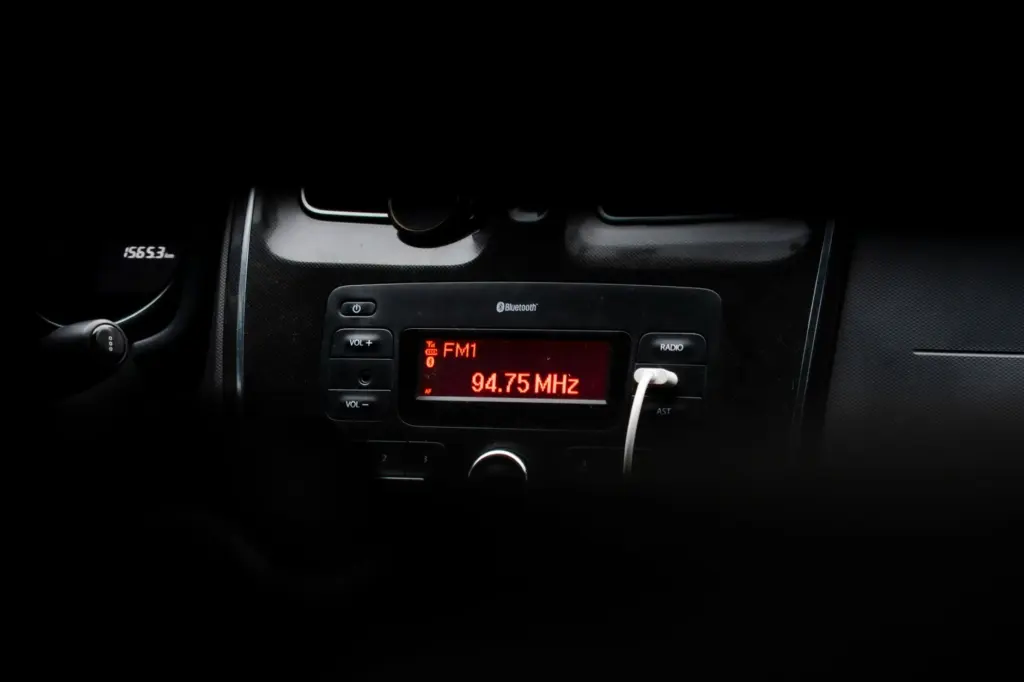
- Car stereos: Elite Auto Gear puts the bass band at 20–250 Hz, with 60–250 Hz controlling warmth and fullness. It suggests a slight boost in the 60–120 Hz range for thump and warns that overdoing it causes distortion. Pair that with the slight 250 Hz cut mentioned earlier.
- Headphones: Apply the same small-step approach and keep any boost modest. Headphones that reproduce the deepest band cleanly respond better to EQ, which is why hardware choice matters.
- Home speakers: Leave the region below 60 Hz alone unless the speakers or a subwoofer can play it cleanly, and work in the bass band first.
- Turntable setups: The low end also depends on the equipment feeding the amplifier, and Record Player Parts: A Beginner’s Guide To Every Component And How Each One Shapes Sound (2026) – Soniqcast explains how each part shapes the sound.
Once the system is playing within its limits, the remaining questions are about definitions and rooms.
Frequently asked questions
| Question | Answer |
|---|---|
| Is a low-cut filter the same as a high-pass filter? | Yes. IMG Stageline says a low-cut filter is often called a hi(gh)-pass filter, and Armada Music uses both names for the same filter. |
| Where does sub-bass end and bass begin? | Around 60 Hz. IMG Stageline defines sub-bass as everything below 60 Hz, and Armada Music and iZotope put sub-bass at about 20–60 Hz, with the bass band continuing above it. |
| Does room size change how much bass I hear? | Yes. Sonoro says small rooms with a lot of furniture can emphasize too much bass, while large empty rooms can sound lacking. Adjust to the room before assuming the EQ is wrong. |


Leave a Reply